

Kling 5 AI
Create cinematic videos with Kling5 AI. Use Kling 5 for text-to-video and image-to-video.
Published cases
Explore Kling5 videos
Review Kling 5 examples, motion ideas, and prompt directions before creating your own Kling5 video.
Create cinematic Kling5 AI videos
Kling5 Image to Video
Turn reference images into smooth Kling 5 videos for product clips, social posts, and visual storytelling.
Original Image

Prompt
Cinematic winter fashion scene, a confident model sitting on fresh white snow, soft overcast daylight, subtle camera push-in, realistic fabric movement, natural expression, premium editorial style, smooth Kling5 motion.
Video
Original Image
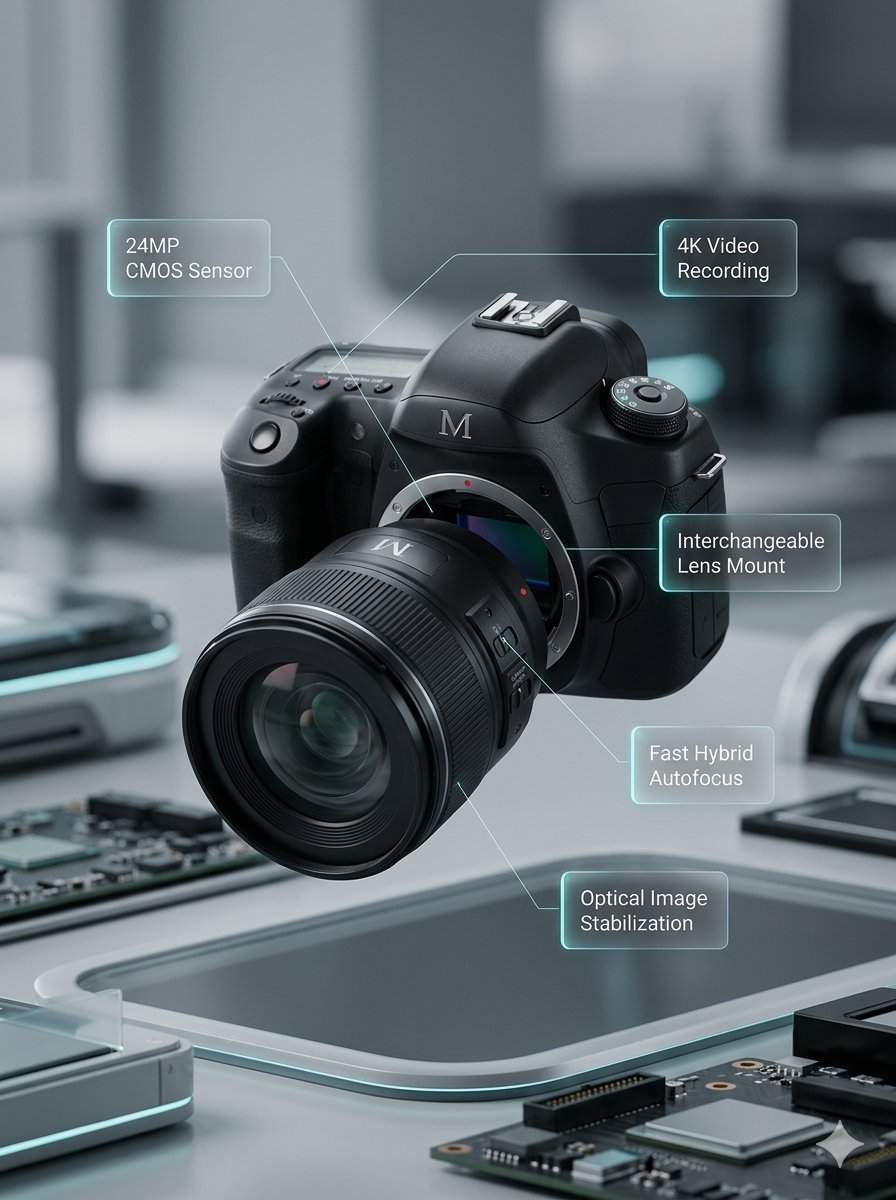
Prompt
Macro product video of a precision camera lens assembling itself, glass elements sliding into place, clean annotations appearing, smooth mechanical motion, premium technology commercial style.
Video
Original Image
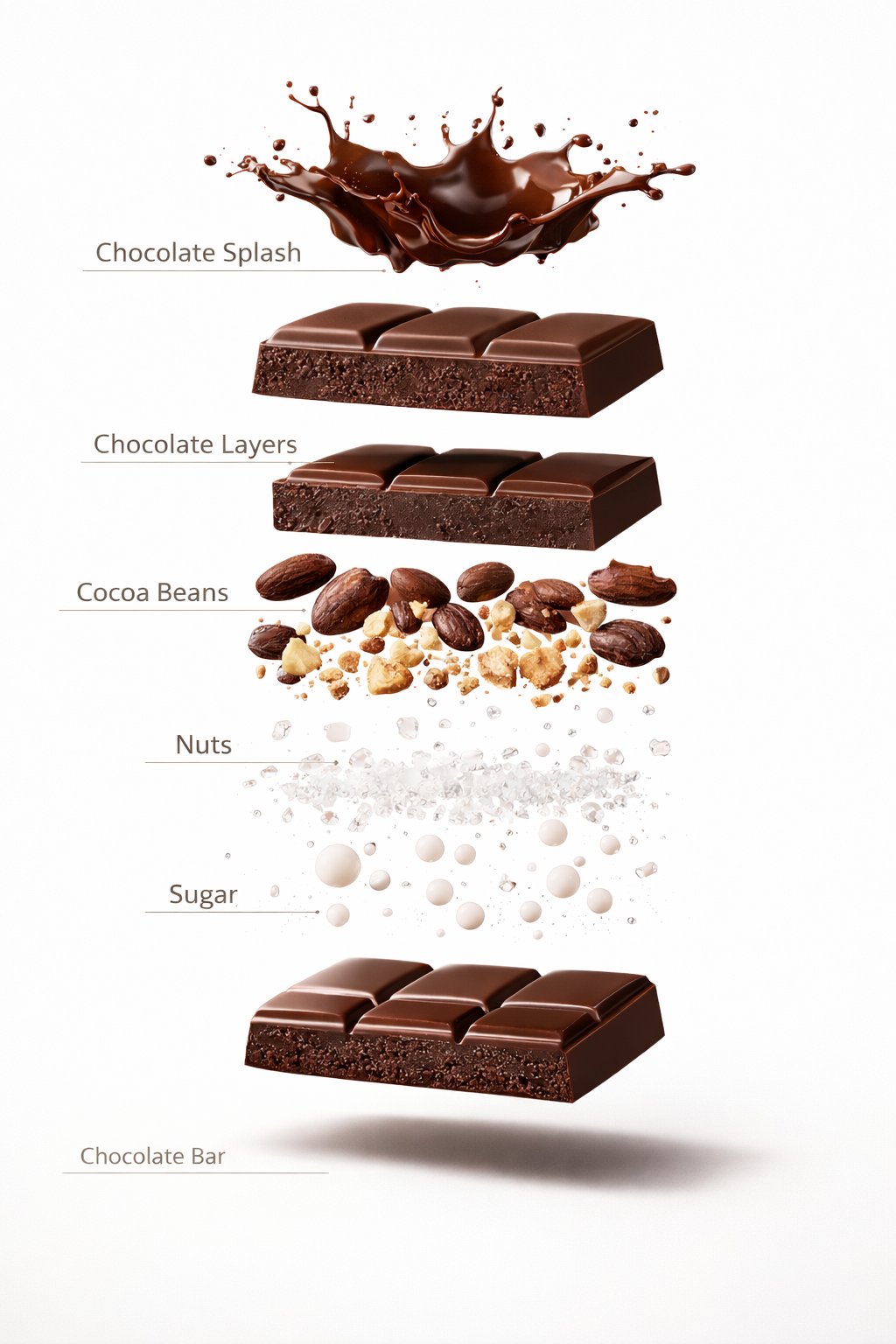
Prompt
Luxury chocolate bar partially unwrapped on a warm studio background, glossy texture, slow camera move, soft shadows, premium food advertisement style, realistic motion and detail.
Video
Original Image
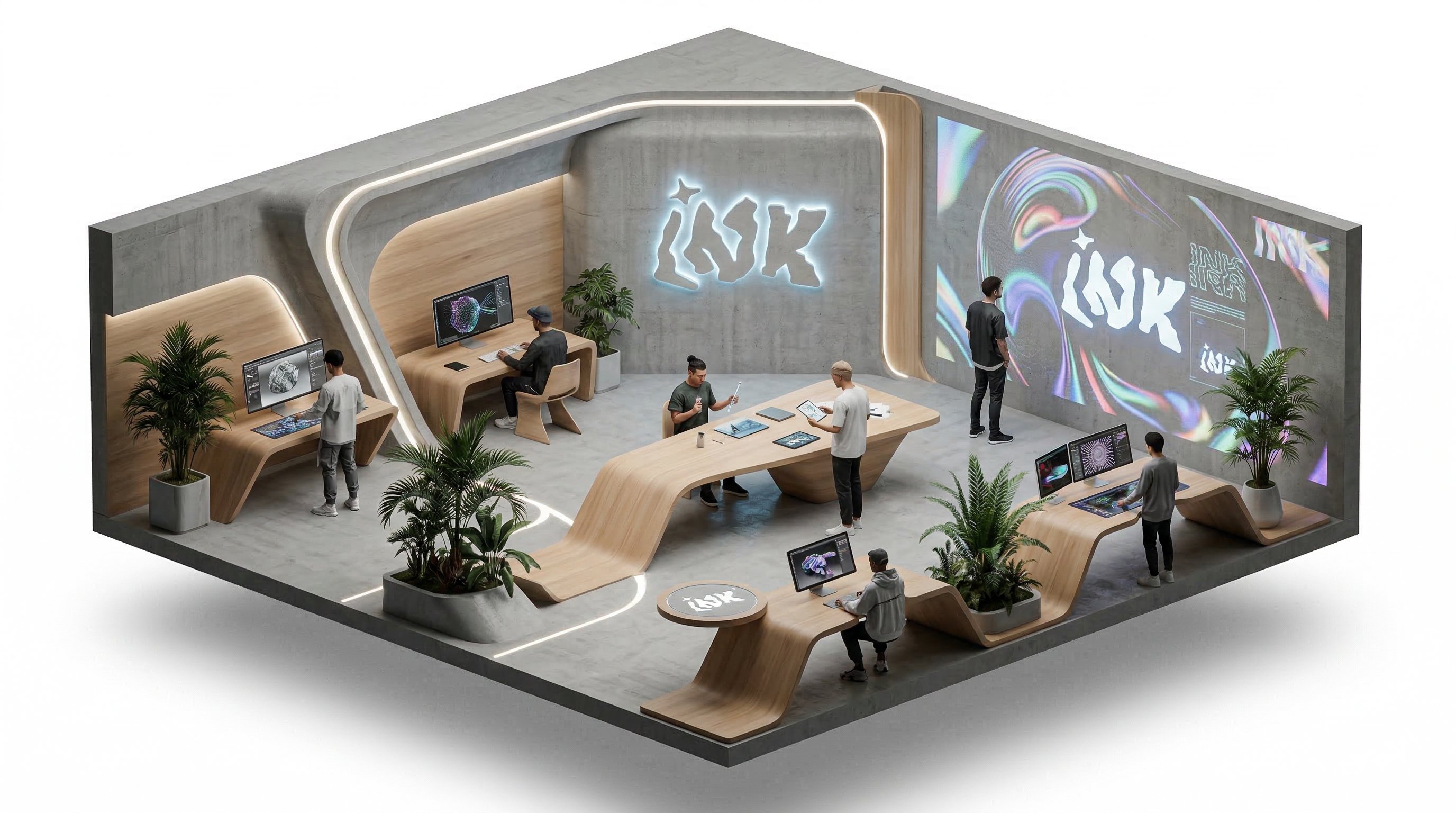
Prompt
Isometric office team collaborating around a product dashboard, slow camera rotation, subtle character movement, bright modern workspace, clean commercial explainer style.
Video
Kling5 Text to Video
Describe the scene, motion, and camera direction, then generate a polished Kling5 AI video from one prompt.
Build Kling5 reference images
Prepare product shots, character frames, and visual references before moving into Kling 5 video generation.
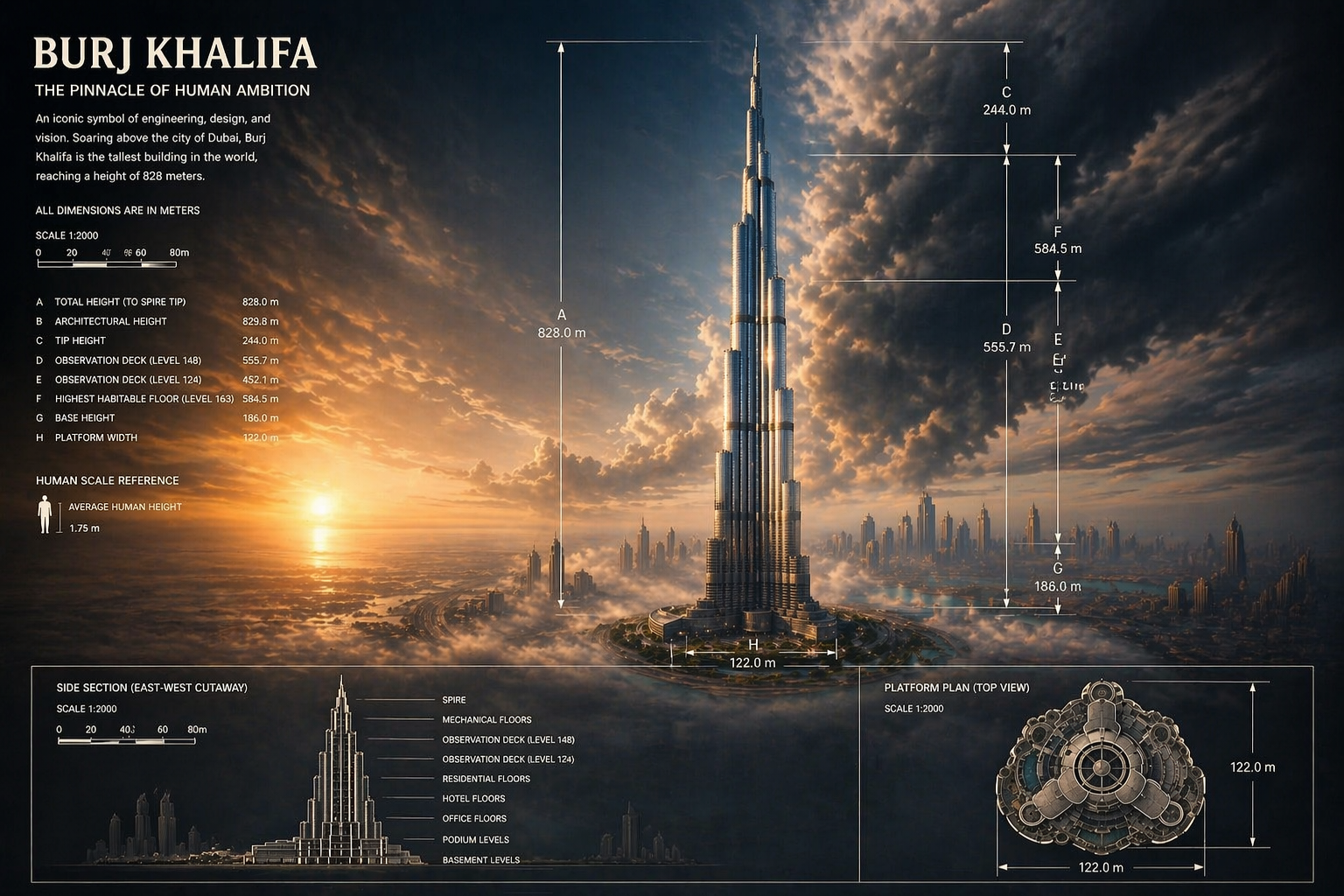
Create starting frames for Kling5
Generate strong first frames and concept visuals that can guide a cleaner Kling5 video result.
Benefits
Why choose Kling5 AI
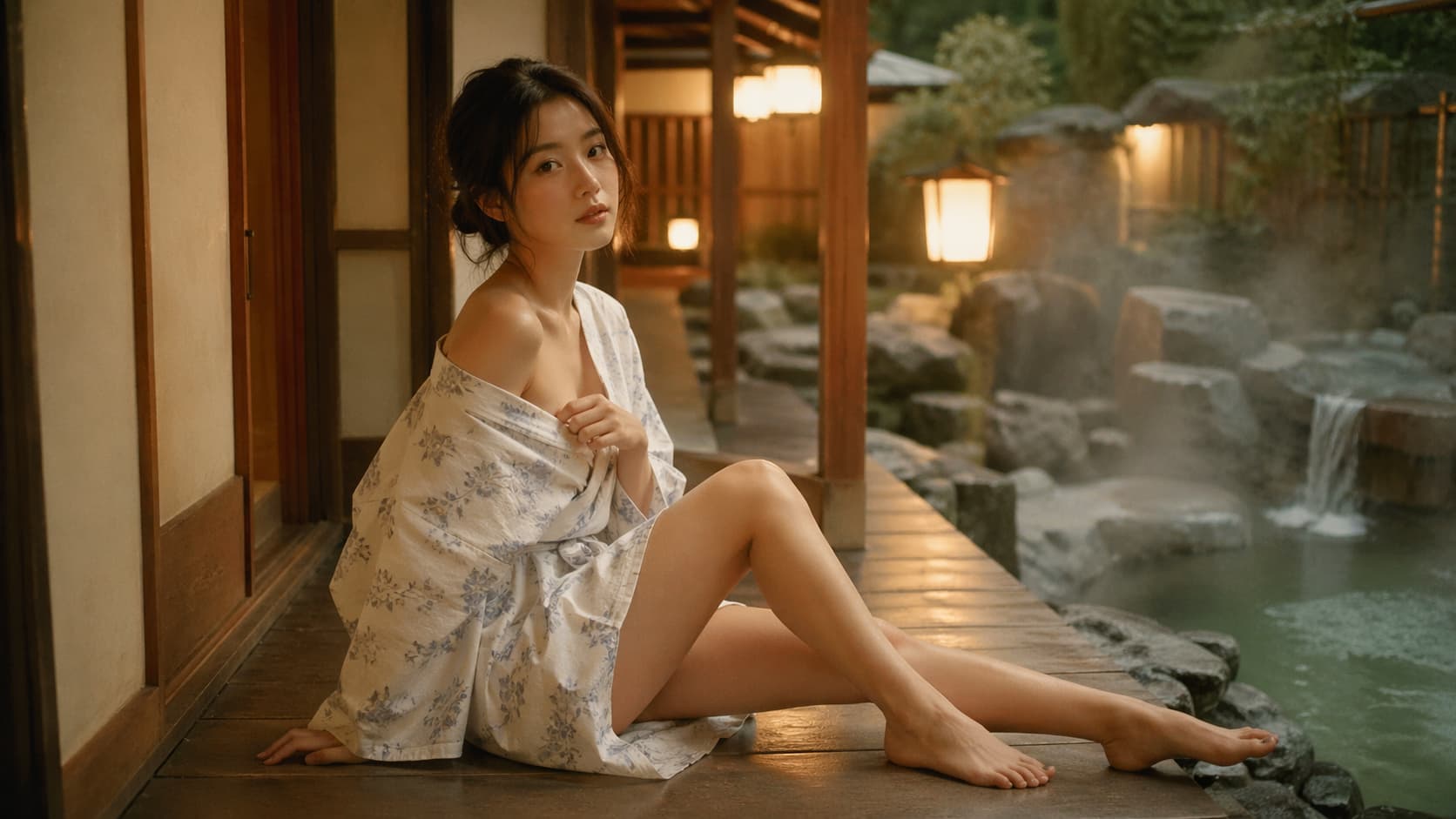
Kling5 AI keeps the page, examples, generation path, and pricing focused on Kling 5 so creators can move from idea to video with fewer distractions.

Key Kling5 features
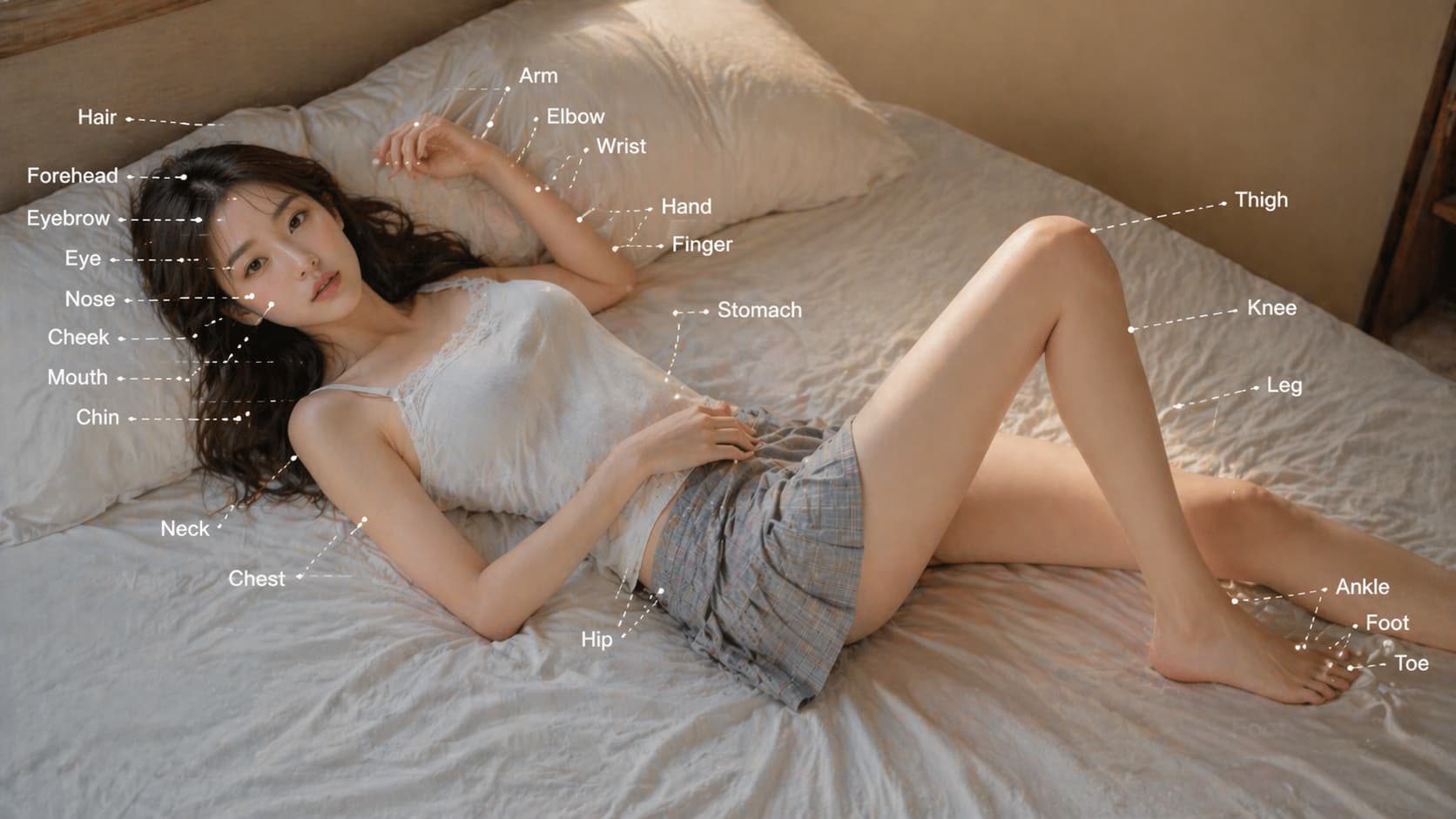
Core capabilities for creating Kling5 AI videos from prompts, reference images, and repeatable production workflows.
Kling5 text-to-video
Turn written ideas into cinematic Kling 5 video clips for ads, social posts, and creative tests.
Kling5 image-to-video
Animate reference images into video while keeping the visual direction easier to control.
Motion and camera direction
Guide action, pacing, lens movement, and scene energy with a clear prompt structure.
Prompt-based iteration
Test multiple Kling5 directions quickly, then refine the strongest version.
Generation history
Keep previous Kling5 tasks and outputs available for review, reuse, and download.
Production workflow
Use one clean path for prompts, credits, previews, and exports.
User Reviews
Why teams use Kling5 AI for video drafts
Kling5 AI is most useful when teams need to turn a prompt or reference image into a motion draft that is easy to review, refine, and reuse.
Kling5 helps us test camera motion and pacing before the team commits to a full campaign video.

Lena
Creative Lead
For product clips, Kling 5 gives us a faster way to check whether the first visual idea has enough movement.

Marcus
Growth Designer
The Kling5 workflow keeps prompts, references, and outputs close together, so review cycles stay easier to manage.

Aya
Brand Studio Producer
I use Kling5 to turn a rough prompt into a clip I can judge before writing a longer script.

Noah
Short-form creator
Image-to-video is useful for product posts because I can keep the item visible while adding motion.

Mina
Ecommerce operator
Clear camera and action prompts make Kling 5 a practical first step for motion ideas I need to refine later.

Theo
Freelance editor
Kling5 helps us test camera motion and pacing before the team commits to a full campaign video.
Lena
Creative Lead
For product clips, Kling 5 gives us a faster way to check whether the first visual idea has enough movement.
Marcus
Growth Designer
The Kling5 workflow keeps prompts, references, and outputs close together, so review cycles stay easier to manage.
Aya
Brand Studio Producer
I use Kling5 to turn a rough prompt into a clip I can judge before writing a longer script.
Noah
Short-form creator
Image-to-video is useful for product posts because I can keep the item visible while adding motion.
Mina
Ecommerce operator
Clear camera and action prompts make Kling 5 a practical first step for motion ideas I need to refine later.
Theo
Freelance editor
Kling5 helps us test camera motion and pacing before the team commits to a full campaign video.
Lena
Creative Lead
The Kling5 workflow keeps prompts, references, and outputs close together, so review cycles stay easier to manage.
Aya
Brand Studio Producer
Image-to-video is useful for product posts because I can keep the item visible while adding motion.
Mina
Ecommerce operator
Kling5 helps us test camera motion and pacing before the team commits to a full campaign video.
Lena
Creative Lead
The Kling5 workflow keeps prompts, references, and outputs close together, so review cycles stay easier to manage.
Aya
Brand Studio Producer
Image-to-video is useful for product posts because I can keep the item visible while adding motion.
Mina
Ecommerce operator
For product clips, Kling 5 gives us a faster way to check whether the first visual idea has enough movement.
Marcus
Growth Designer
I use Kling5 to turn a rough prompt into a clip I can judge before writing a longer script.
Noah
Short-form creator
Clear camera and action prompts make Kling 5 a practical first step for motion ideas I need to refine later.
Theo
Freelance editor
For product clips, Kling 5 gives us a faster way to check whether the first visual idea has enough movement.
Marcus
Growth Designer
I use Kling5 to turn a rough prompt into a clip I can judge before writing a longer script.
Noah
Short-form creator
Clear camera and action prompts make Kling 5 a practical first step for motion ideas I need to refine later.
Theo
Freelance editor
Kling5 helps us test camera motion and pacing before the team commits to a full campaign video.
Lena
Creative Lead
I use Kling5 to turn a rough prompt into a clip I can judge before writing a longer script.
Noah
Short-form creator
Kling5 helps us test camera motion and pacing before the team commits to a full campaign video.
Lena
Creative Lead
I use Kling5 to turn a rough prompt into a clip I can judge before writing a longer script.
Noah
Short-form creator
For product clips, Kling 5 gives us a faster way to check whether the first visual idea has enough movement.
Marcus
Growth Designer
Image-to-video is useful for product posts because I can keep the item visible while adding motion.
Mina
Ecommerce operator
For product clips, Kling 5 gives us a faster way to check whether the first visual idea has enough movement.
Marcus
Growth Designer
Image-to-video is useful for product posts because I can keep the item visible while adding motion.
Mina
Ecommerce operator
The Kling5 workflow keeps prompts, references, and outputs close together, so review cycles stay easier to manage.
Aya
Brand Studio Producer
Clear camera and action prompts make Kling 5 a practical first step for motion ideas I need to refine later.
Theo
Freelance editor
The Kling5 workflow keeps prompts, references, and outputs close together, so review cycles stay easier to manage.
Aya
Brand Studio Producer
Clear camera and action prompts make Kling 5 a practical first step for motion ideas I need to refine later.
Theo
Freelance editor
Kling5 Updates
What creators watch in Kling5 AI video
Follow practical Kling5 directions around motion, prompt control, image-to-video, product clips, and social video production.
KA
Kling5 AI
Kling 5 Workflow
Kling5 helps creators turn prompts into fast motion drafts before expanding a campaign, storyboard, or product clip.
Kling5Text to Video
Kling 5 Workflow
IT
Image to Video
Reference Workflow
A strong reference image helps Kling 5 preserve product, character, and style direction while adding motion.
Kling 5Image to Video
Reference Workflow
CP
Creative Production
Prompt Tips
Clear prompts for camera movement, action, lighting, and pacing make Kling5 AI results easier to refine.
Kling5Prompt Control
Prompt Tips
FAQ
Kling5 AI FAQ
Answers about Kling5 AI, Kling 5 video generation, text-to-video, image-to-video, accounts, credits, and usage.
Need a workflow-specific answer? Contact support@kling5.ai.
What is Kling5 AI?
+
Kling5 AI is a focused site for creating videos with Kling 5. It helps users move from prompt or reference image to AI video with a simple generation workflow.
Is Kling5 AI an official Kuaishou or Kling website?
+
No. Kling5 AI is an independent site that provides access and workflow support for Kling 5. It is not affiliated with Kuaishou or the official Kling team.
Does Kling 5 support text-to-video?
+
Yes. The Kling5 workflow is designed for text-to-video prompts where you describe the scene, action, style, and camera movement.
Does Kling5 support image-to-video?
+
Yes. You can use reference images to guide a Kling 5 video when the first frame, product, character, or visual direction matters.
What can I create with Kling5 AI?
+
Common use cases include product videos, ads, social clips, launch teasers, concept motion, storyboards, and visual experiments.
Why write Kling5 and Kling 5 both ways?
+
Users search for both Kling5 and Kling 5. The page uses both forms naturally so the product name and search intent stay aligned.
Do I need an account before generating?
+
You can read the landing page first. Sign in when you are ready to generate, manage credits, keep history, and download results.
How do credits work?
+
Credits are used when you submit video generation tasks. The exact cost can vary by model settings and generation mode.
Can I use Kling5 AI for commercial projects?
+
Kling5 AI is built for commercial creative workflows, but final usage depends on your prompt, uploaded assets, selected model rules, and local requirements.
Pricing
Subscribe to unlock all video and image models, plus more services.
Starter
$29 USD
$14.2 USD / month
400 base credits+5 reward credits / day
Billed US$169 USD / year
Save more by stocking up credits for a year of video and image generation.
Includes
- Up to 550 credits/month
- Up to 150 claimable reward credits totally
- Up to 137 videos
- Up to 550 images
- History saved for 180 days
- 3 concurrent tasks
Popular
Standard
$58 USD
$28.25 USD / month
800 base credits+200 bonus credits+8 reward credits / day
Billed US$339 USD / year
A balanced plan for regular video and image generation.
Includes
- Up to 1240 credits/month
- Up to 240 claimable reward credits totally
- Up to 310 videos
- Up to 1240 images
- History saved for 180 days
- 5 concurrent tasks
Premium
$139 USD
$71.33 USD / month
2000 base credits+1200 bonus credits+20 reward credits / day
Billed US$856 USD / year
Best for teams and heavy video and image generation workloads.
Includes
- Up to 3800 credits/month
- Up to 600 claimable reward credits totally
- Up to 950 videos
- Up to 3800 images
- History saved for 180 days
- Unlimited concurrency
Start creating with Kling5 AI
Use Kling 5 to generate cinematic AI videos from prompts or reference images.
Company: Lotook, LLCAddress: 131 Continental Dr, Suite 305, Newark, DE 19713, United StatesContact: support@kling5.ai
