

公開事例
Explore Kling5 videos
Review Kling 5 examples, motion ideas, and prompt directions before creating your own Kling5 video.
Create cinematic Kling5 AI videos
Kling5 Image to Video
Turn reference images into smooth Kling 5 videos for product clips, social posts, and visual storytelling.
元画像
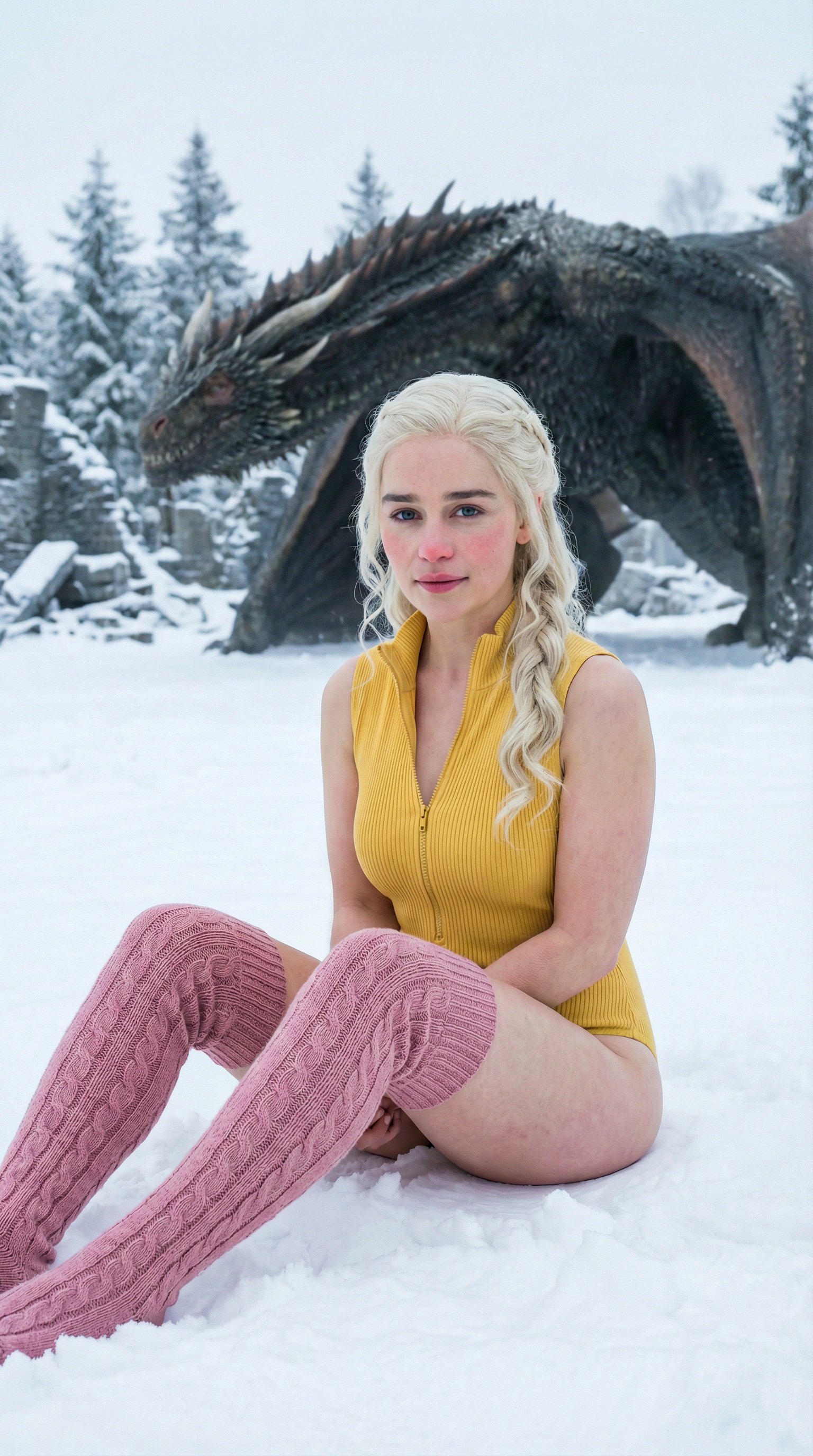
プロンプト
Cinematic winter fashion scene, a confident model sitting on fresh white snow, soft overcast daylight, subtle camera push-in, realistic fabric movement, natural expression, premium editorial style, smooth Kling5 motion.
動画
元画像
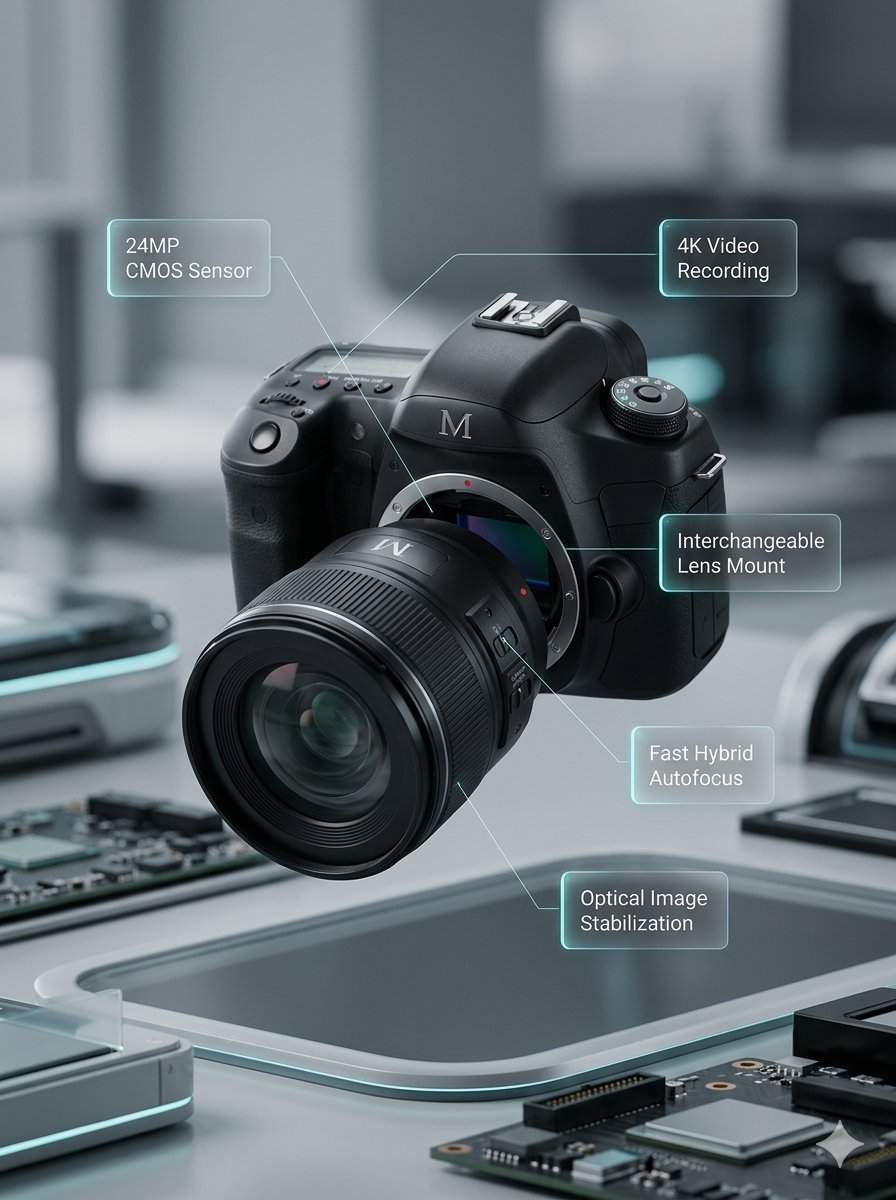
プロンプト
Macro product video of a precision camera lens assembling itself, glass elements sliding into place, clean annotations appearing, smooth mechanical motion, premium technology commercial style.
動画
元画像
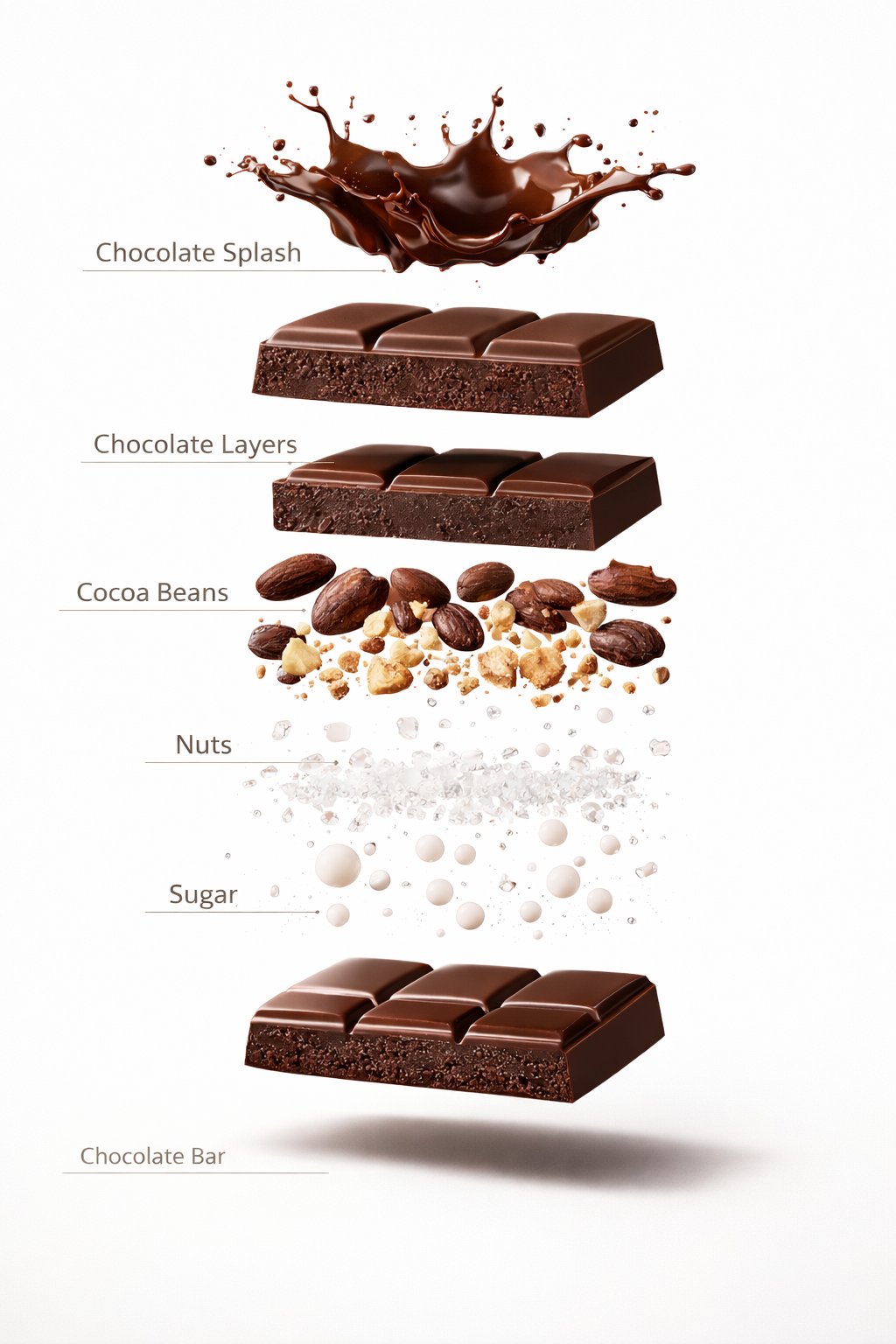
プロンプト
Luxury chocolate bar partially unwrapped on a warm studio background, glossy texture, slow camera move, soft shadows, premium food advertisement style, realistic motion and detail.
動画
元画像
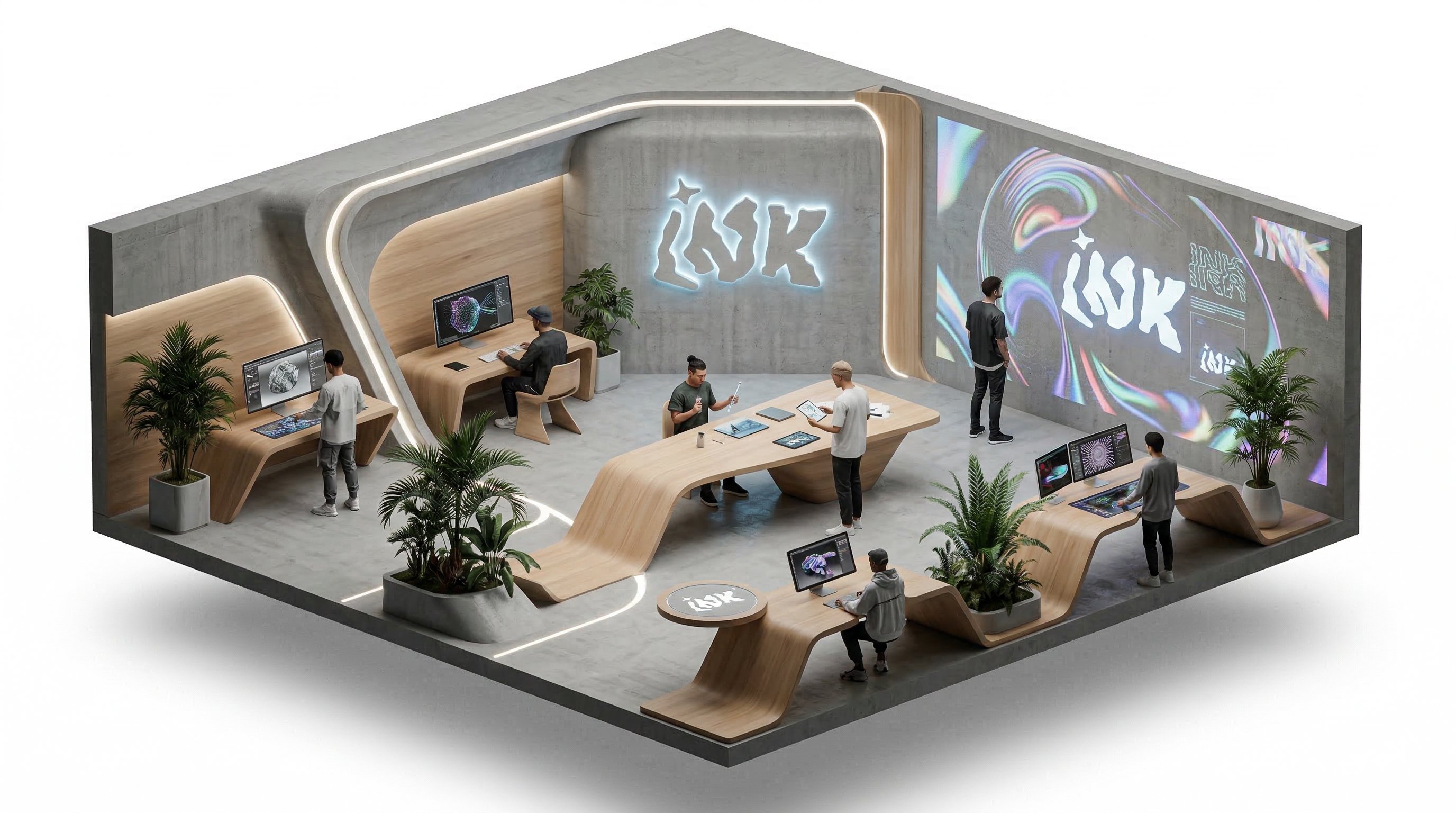
プロンプト
Isometric office team collaborating around a product dashboard, slow camera rotation, subtle character movement, bright modern workspace, clean commercial explainer style.
動画
Kling5 Text to Video
Describe the scene, motion, and camera direction, then generate a polished Kling5 AI video from one prompt.
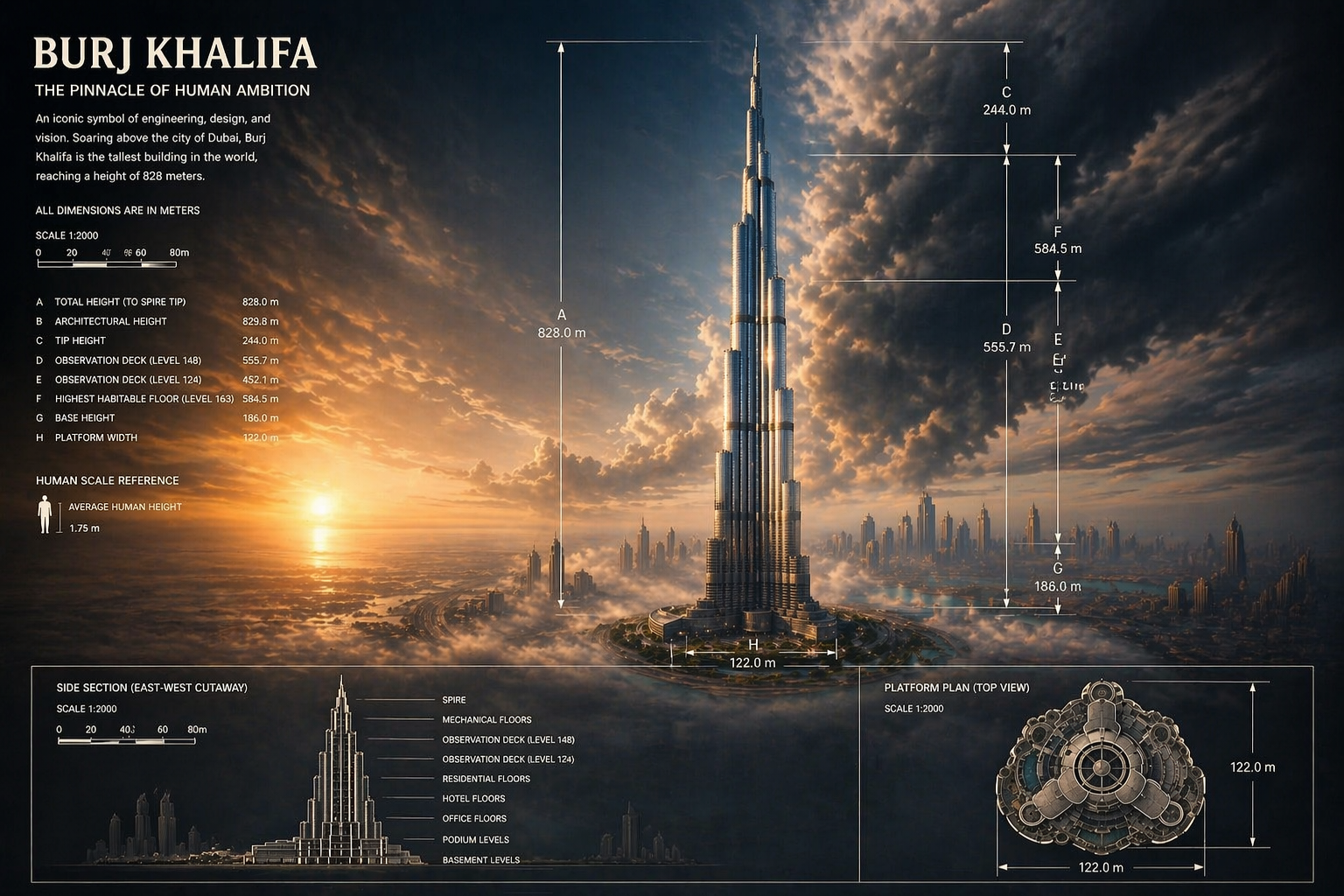
Build Kling5 reference images
Prepare product shots, character frames, and visual references before moving into Kling 5 video generation.
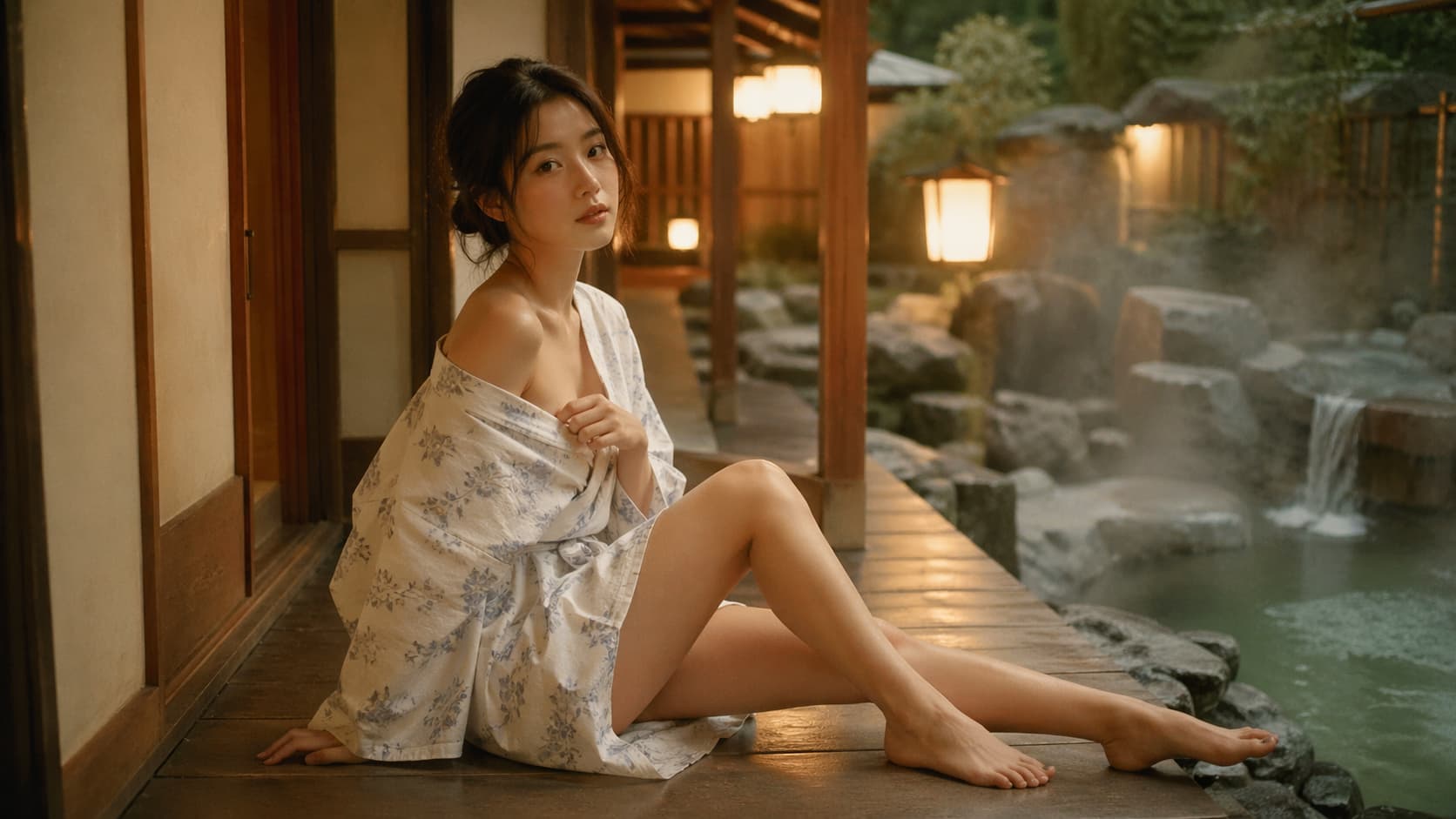
Create starting frames for Kling5
Generate strong first frames and concept visuals that can guide a cleaner Kling5 video result.
Benefits
Why choose Kling5 AI
Kling5 AI keeps the page, examples, generation path, and pricing focused on Kling 5 so creators can move from idea to video with fewer distractions.

Key Kling5 features
Core capabilities for creating Kling5 AI videos from prompts, reference images, and repeatable production workflows.
Kling5 text-to-video
Turn written ideas into cinematic Kling 5 video clips for ads, social posts, and creative tests.
Kling5 image-to-video
Animate reference images into video while keeping the visual direction easier to control.
Motion and camera direction
Guide action, pacing, lens movement, and scene energy with a clear prompt structure.
Prompt-based iteration
Test multiple Kling5 directions quickly, then refine the strongest version.
Generation history
Keep previous Kling5 tasks and outputs available for review, reuse, and download.
Production workflow
Use one clean path for prompts, credits, previews, and exports.
Kling5 Updates
What creators watch in Kling5 AI video
Follow practical Kling5 directions around motion, prompt control, image-to-video, product clips, and social video production.
KA
Kling5 AI
Kling 5 ワークフロー
Kling5 は、キャンペーン、絵コンテ、商品クリップへ広げる前に、プロンプトを素早いモーション案へ変えます。
Kling5テキストから動画
Kling 5 ワークフロー
画
画像から動画
リファレンスワークフロー
強い参考画像は、Kling 5 が商品、キャラクター、スタイルを保ちながら動きを加える助けになります。
Kling 5画像から動画
リファレンスワークフロー
ク
クリエイティブ制作
プロンプトのコツ
カメラ、動き、光、テンポを明確に書くと、Kling5 AI の結果を調整しやすくなります。
Kling5プロンプト制御
プロンプトのコツ
FAQ
Kling5 AI FAQ
Kling5 AI、Kling 5 動画生成、テキストから動画、画像から動画、アカウント、クレジット、利用方法についての回答です。
Need a workflow-specific answer? Contact support@kling5.ai.
What is Kling5 AI?
+
Kling5 AI is a focused site for creating videos with Kling 5. It helps users move from prompt or reference image to AI video with a simple generation workflow.
Is Kling5 AI an official Kuaishou or Kling website?
+
No. Kling5 AI is an independent site that provides access and workflow support for Kling 5. It is not affiliated with Kuaishou or the official Kling team.
Does Kling 5 support text-to-video?
+
Yes. The Kling5 workflow is designed for text-to-video prompts where you describe the scene, action, style, and camera movement.
Does Kling5 support image-to-video?
+
Yes. You can use reference images to guide a Kling 5 video when the first frame, product, character, or visual direction matters.
What can I create with Kling5 AI?
+
Common use cases include product videos, ads, social clips, launch teasers, concept motion, storyboards, and visual experiments.
Why write Kling5 and Kling 5 both ways?
+
Users search for both Kling5 and Kling 5. The page uses both forms naturally so the product name and search intent stay aligned.
Do I need an account before generating?
+
You can read the landing page first. Sign in when you are ready to generate, manage credits, keep history, and download results.
How do credits work?
+
Credits are used when you submit video generation tasks. The exact cost can vary by model settings and generation mode.
Can I use Kling5 AI for commercial projects?
+
Kling5 AI is built for commercial creative workflows, but final usage depends on your prompt, uploaded assets, selected model rules, and local requirements.
料金
メンバーシップに加入すると、すべての動画モデルと画像モデルに加えて、より多くのサービスを利用できます。
スターター
$29 USD
$14.2 USD /月
400 基本クレジット+1日5報酬クレジット
年額請求: $169 USD / 年
1年分の動画・画像生成に使えるクレジットをまとめて購入して、よりお得に使えます。
内容
- 最大 550 クレジット/月
- 合計最大150報酬クレジットを受け取り可能
- 最大 137 本の動画
- 最大 550 枚の画像
- 履歴は180日保存
- 3件の同時生成に対応
人気
スタンダード
$58 USD
$28.25 USD /月
800 基本クレジット+200 ボーナスクレジット+1日8報酬クレジット
年額請求: $339 USD / 年
定期的な動画・画像生成に向いたバランスの良いプランです。
内容
- 最大 1240 クレジット/月
- 合計最大240報酬クレジットを受け取り可能
- 最大 310 本の動画
- 最大 1240 枚の画像
- 履歴は180日保存
- 5件の同時生成に対応
プレミアム
$139 USD
$71.33 USD /月
2000 基本クレジット+1200 ボーナスクレジット+1日20報酬クレジット
年額請求: $856 USD / 年
チームや高負荷な動画・画像ワークフローに最適です。
内容
- 最大 3800 クレジット/月
- 合計最大600報酬クレジットを受け取り可能
- 最大 950 本の動画
- 最大 3800 枚の画像
- 履歴は180日保存
- 無制限の同時生成に対応
Company: Lotook, LLCAddress: 131 Continental Dr, Suite 305, Newark, DE 19713, United StatesContact: support@kling5.ai
