

AI Video Generator
Generate videos with all advanced models, supporting Text to Video and Image to Video.
Create cinematic Kling5 AI videos
Kling5 Image to Video
Turn reference images into smooth Kling 5 videos for product clips, social posts, and visual storytelling.
Original Image

Prompt
Cinematic winter fashion scene, a confident model sitting on fresh white snow, soft overcast daylight, subtle camera push-in, realistic fabric movement, natural expression, premium editorial style, smooth Kling5 motion.
Video
Original Image
Prompt
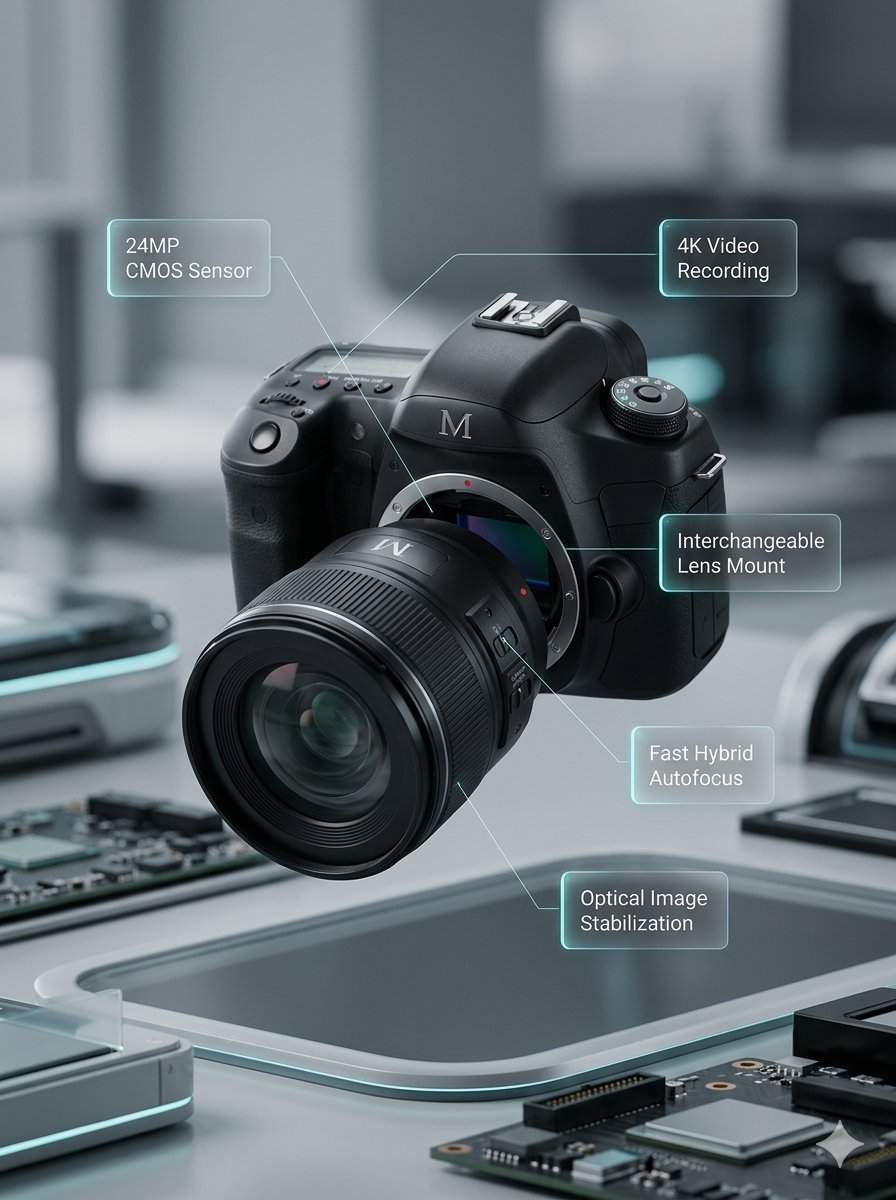
Macro product video of a precision camera lens assembling itself, glass elements sliding into place, clean annotations appearing, smooth mechanical motion, premium technology commercial style.
Video
Original Image
Prompt
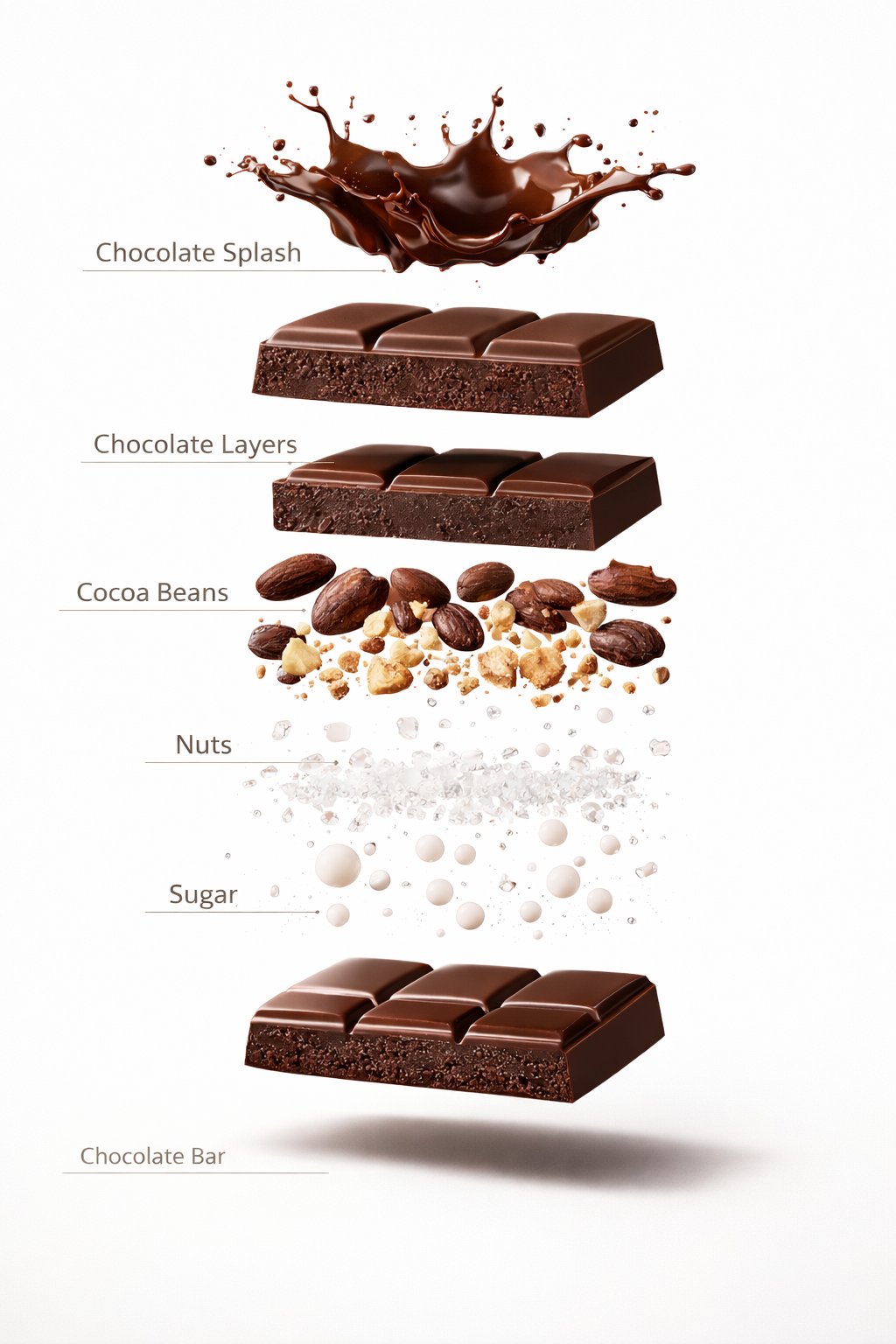
Luxury chocolate bar partially unwrapped on a warm studio background, glossy texture, slow camera move, soft shadows, premium food advertisement style, realistic motion and detail.
Video
Original Image
Prompt
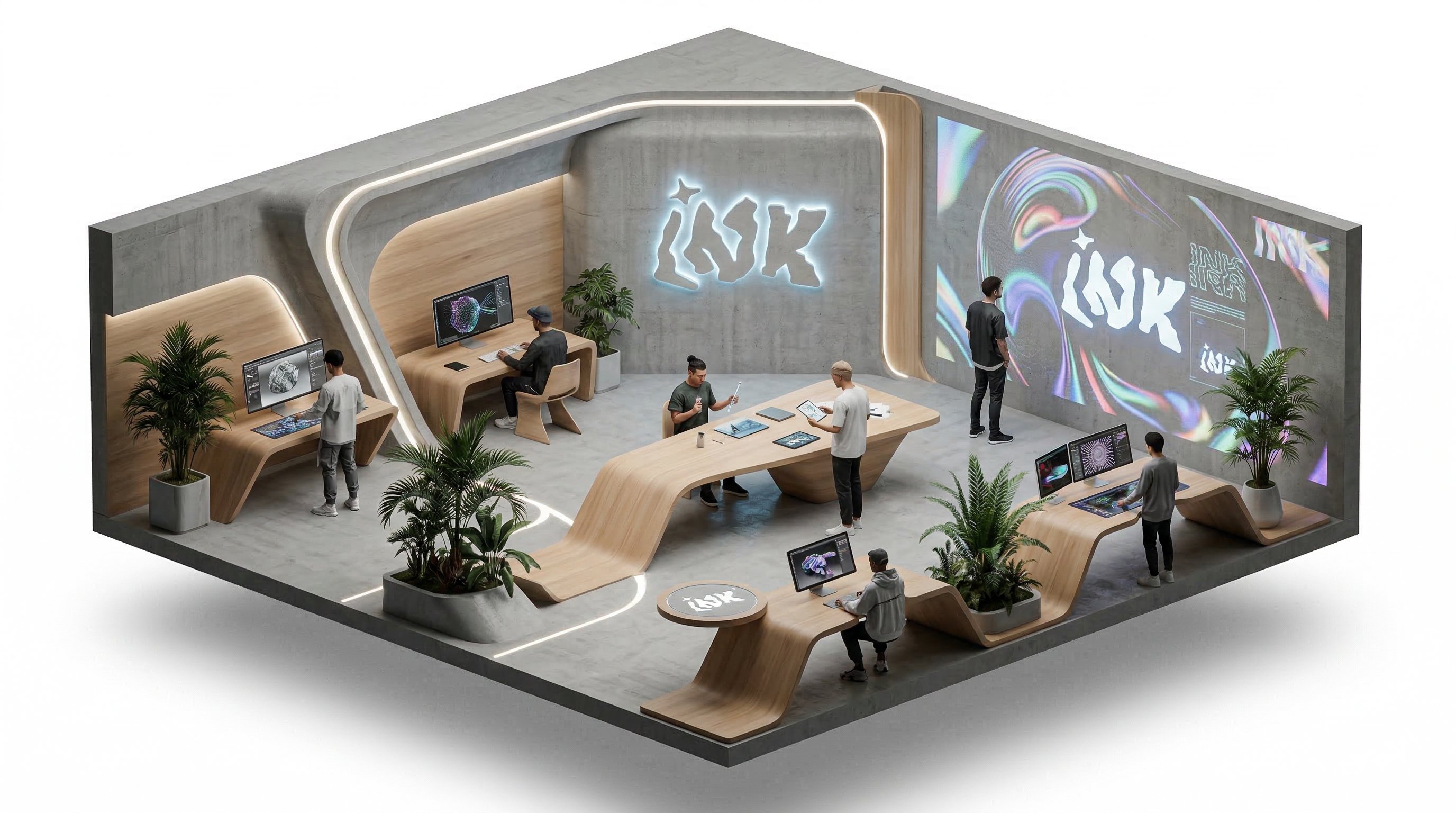
Isometric office team collaborating around a product dashboard, slow camera rotation, subtle character movement, bright modern workspace, clean commercial explainer style.
Video
Benefits
Why choose Kling5 AI
Kling5 AI keeps the page, examples, generation path, and pricing focused on Kling 5 so creators can move from idea to video with fewer distractions.


Published cases
video cases
Published video cases from the Explore gallery.
How independent creators usually use it for video work
Solo creators usually care about speed to publish: testing hooks, matching clips to an existing idea, and iterating without extra friction.
I use it to test hooks and scene rhythm before I commit to a full short-form edit.

Lena
Short-form Creator
For a solo launch, it is the fastest way to turn one product idea into a few usable promo clips.

Marcus
Solo Founder
It helps me explore pacing first, then keep pushing the best version instead of restarting from zero.

Aya
Visual Story Designer
When a client only needs a concept sample, I can get to an edit-ready draft much faster here.

Theo
Freelance Editor
I use it for social-commerce clips because I can try several product beats before choosing what to publish.

Mina
Marketplace Seller
The big advantage is staying on the same page while I revise prompts, compare takes, and keep the earlier versions.

Noah
Course Creator
I use it to test hooks and scene rhythm before I commit to a full short-form edit.
Lena
Short-form Creator
For a solo launch, it is the fastest way to turn one product idea into a few usable promo clips.
Marcus
Solo Founder
It helps me explore pacing first, then keep pushing the best version instead of restarting from zero.
Aya
Visual Story Designer
When a client only needs a concept sample, I can get to an edit-ready draft much faster here.
Theo
Freelance Editor
I use it for social-commerce clips because I can try several product beats before choosing what to publish.
Mina
Marketplace Seller
The big advantage is staying on the same page while I revise prompts, compare takes, and keep the earlier versions.
Noah
Course Creator
I use it to test hooks and scene rhythm before I commit to a full short-form edit.
Lena
Short-form Creator
It helps me explore pacing first, then keep pushing the best version instead of restarting from zero.
Aya
Visual Story Designer
I use it for social-commerce clips because I can try several product beats before choosing what to publish.
Mina
Marketplace Seller
I use it to test hooks and scene rhythm before I commit to a full short-form edit.
Lena
Short-form Creator
It helps me explore pacing first, then keep pushing the best version instead of restarting from zero.
Aya
Visual Story Designer
I use it for social-commerce clips because I can try several product beats before choosing what to publish.
Mina
Marketplace Seller
For a solo launch, it is the fastest way to turn one product idea into a few usable promo clips.
Marcus
Solo Founder
When a client only needs a concept sample, I can get to an edit-ready draft much faster here.
Theo
Freelance Editor
The big advantage is staying on the same page while I revise prompts, compare takes, and keep the earlier versions.
Noah
Course Creator
For a solo launch, it is the fastest way to turn one product idea into a few usable promo clips.
Marcus
Solo Founder
When a client only needs a concept sample, I can get to an edit-ready draft much faster here.
Theo
Freelance Editor
The big advantage is staying on the same page while I revise prompts, compare takes, and keep the earlier versions.
Noah
Course Creator
I use it to test hooks and scene rhythm before I commit to a full short-form edit.
Lena
Short-form Creator
When a client only needs a concept sample, I can get to an edit-ready draft much faster here.
Theo
Freelance Editor
I use it to test hooks and scene rhythm before I commit to a full short-form edit.
Lena
Short-form Creator
When a client only needs a concept sample, I can get to an edit-ready draft much faster here.
Theo
Freelance Editor
For a solo launch, it is the fastest way to turn one product idea into a few usable promo clips.
Marcus
Solo Founder
I use it for social-commerce clips because I can try several product beats before choosing what to publish.
Mina
Marketplace Seller
For a solo launch, it is the fastest way to turn one product idea into a few usable promo clips.
Marcus
Solo Founder
I use it for social-commerce clips because I can try several product beats before choosing what to publish.
Mina
Marketplace Seller
It helps me explore pacing first, then keep pushing the best version instead of restarting from zero.
Aya
Visual Story Designer
The big advantage is staying on the same page while I revise prompts, compare takes, and keep the earlier versions.
Noah
Course Creator
It helps me explore pacing first, then keep pushing the best version instead of restarting from zero.
Aya
Visual Story Designer
The big advantage is staying on the same page while I revise prompts, compare takes, and keep the earlier versions.
Noah
Course Creator
Creator Updates
Creator updates around AI video creation
These posts focus on model comparisons, prompt-to-video workflows, and the systems creators are building around modern video generation.
US
UI/UX Savior
@UiSavior
UI/UX Savior described a shared board workflow that combines Sora, Kling, Veo, and Seedance in one collaborative AI video process.
WorkflowVideo
@UiSaviorOpen post
M
MAX
@maxxmalist
MAX outlined an end-to-end short-form video workflow using Nano Banana Pro for frames and a mix of Sora, Kling, and Veo for motion.
WorkflowVideo
@maxxmalistOpen post
PG
Parul Gautam
@Parul_Gautam7
Parul Gautam highlighted the appeal of using multiple top AI video models in one place, which reflects how creators compare tools today.
WorkflowVideo
@Parul_Gautam7Open post
PH
Phil Hedayatnia
@PhilHedayatnia
Phil Hedayatnia teased a new AI video model entering the arena, showing how quickly the AI video category keeps moving.
ReleaseVideo
@PhilHedayatniaOpen post
A
AITopTools
@aitoptools
AITopTools described a new AI video generator around text-or-image-to-video and multi-scene output, matching common tasks creators expect from the category.
ReleaseVideo
@aitoptoolsOpen post
S
SARAH
@SarahAnnabels
SARAH framed Seedance 2.0 in CapCut as effortless AI video creation, which is a useful general signal for how creators now expect video tools to work.
WorkflowVideo
@SarahAnnabelsOpen post
Pricing
Subscribe to unlock all video and image models, plus more services.
Starter
$29 USD
$14.2 USD / month
400 base credits+5 reward credits / day
Billed $169 USD / year
Save more by stocking up credits for a year of video and image generation.
Includes
- Up to 550 credits/month
- Up to 150 claimable reward credits totally
- Up to 137 videos
- Up to 550 images
- History saved for 180 days
- 3 concurrent tasks
Popular
Standard
$58 USD
$28.25 USD / month
800 base credits+200 bonus credits+8 reward credits / day
Billed $339 USD / year
A balanced plan for regular video and image generation.
Includes
- Up to 1240 credits/month
- Up to 240 claimable reward credits totally
- Up to 310 videos
- Up to 1240 images
- History saved for 180 days
- 5 concurrent tasks
Premium
$139 USD
$71.33 USD / month
2000 base credits+1200 bonus credits+20 reward credits / day
Billed $856 USD / year
Best for teams and heavy video and image generation workloads.
Includes
- Up to 3800 credits/month
- Up to 600 claimable reward credits totally
- Up to 950 videos
- Up to 3800 images
- History saved for 180 days
- Unlimited concurrency
