

Veo 3.1 AI Video Generator
Generate videos with Veo 3.1 models, supporting Text to Video, Image to Video, and Reference to Video.
Published cases
Review public Veo 3.1 videos first
Before you generate, review what others have already made with Veo 3.1, then decide which scene treatment, product framing, and reference-led directions are worth carrying into your own prompt.
Create cinematic Kling5 AI videos
Kling5 Image to Video
Turn reference images into smooth Kling 5 videos for product clips, social posts, and visual storytelling.
Original Image

Prompt
Cinematic winter fashion scene, a confident model sitting on fresh white snow, soft overcast daylight, subtle camera push-in, realistic fabric movement, natural expression, premium editorial style, smooth Kling5 motion.
Video
Original Image
Prompt
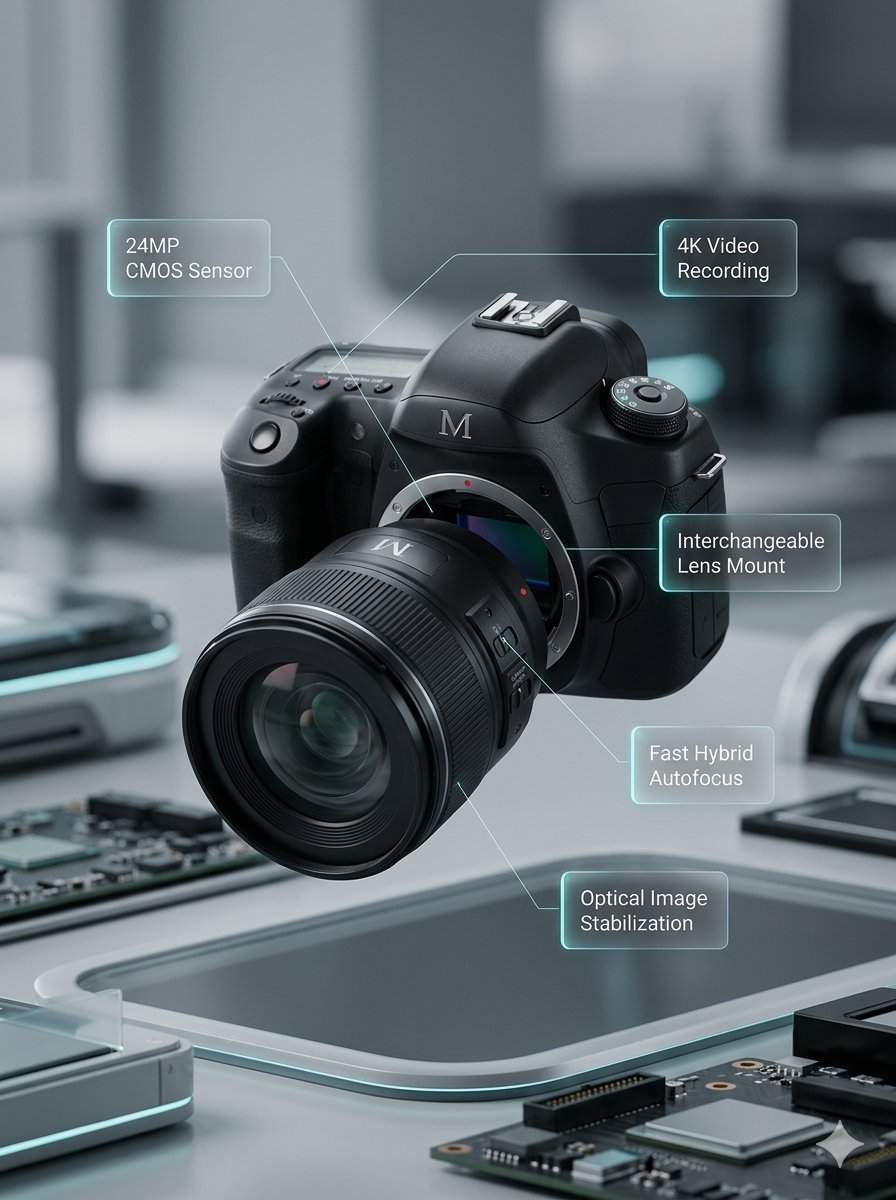
Macro product video of a precision camera lens assembling itself, glass elements sliding into place, clean annotations appearing, smooth mechanical motion, premium technology commercial style.
Video
Original Image
Prompt
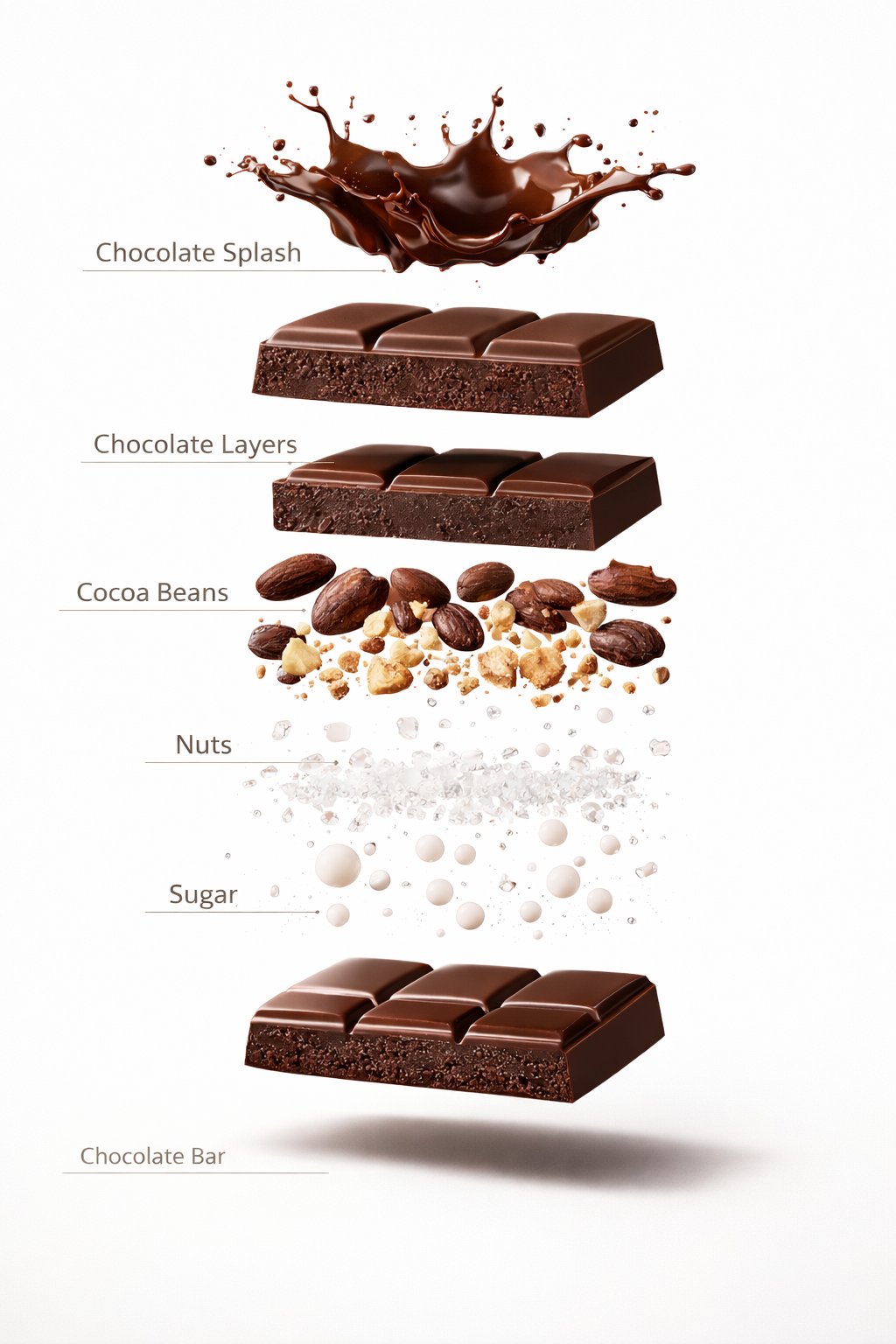
Luxury chocolate bar partially unwrapped on a warm studio background, glossy texture, slow camera move, soft shadows, premium food advertisement style, realistic motion and detail.
Video
Original Image
Prompt
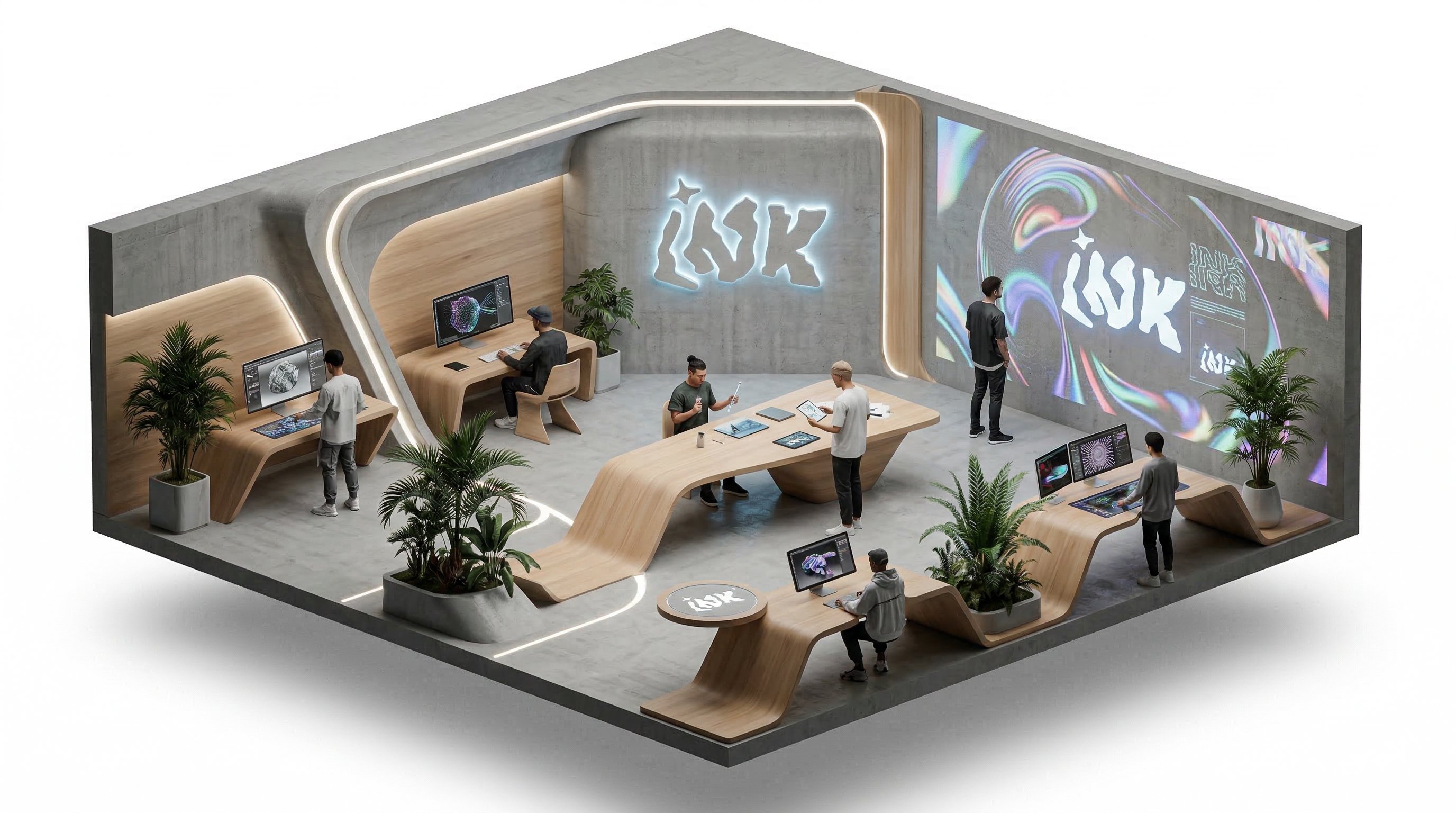
Isometric office team collaborating around a product dashboard, slow camera rotation, subtle character movement, bright modern workspace, clean commercial explainer style.
Video
Benefits
Why choose Kling5 AI
Kling5 AI keeps the page, examples, generation path, and pricing focused on Kling 5 so creators can move from idea to video with fewer distractions.

The most-used capabilities on the Veo 3.1 page
Keep model positioning, example browsing, and video generation in one path instead of splitting the journey across separate pages.
Direct model entry
The page lands on Veo 3.1 directly, so you do not need to switch from the general video page first.
Published examples
Review published Veo 3.1 videos before deciding on scene direction or prompt strategy.
Reference-led workflow stays on this page
Users can keep the current model-page capabilities without jumping into a different page structure to find the right entry point.
Direct generation path
Review examples and guidance first, then continue into generation without leaving the same page.
Video-specific FAQs
Common questions about fit, example value, and workflow stay inside the same model page.
Pricing closes on the same page
After examples and explanation do their work, users can decide on credits without leaving the current path.
Where individual creators use Veo 3.1 most often
It fits creators who need product teasers, promo videos, and reference-driven drafts with a more commercial finish.
I use Veo 3.1 when I want to see whether a reference direction and a product story really belong together in motion.

Lena
Short-form Creator
For launch teasers, it helps me turn an existing visual direction into a more complete commercial sample much faster.

Marcus
Solo Founder
It is useful for intro and promo tests because I can keep the reference feel while checking pacing and scene emphasis.

Aya
Promo Designer
I use it when clients want a reference-led concept video before they approve a fuller production budget.

Theo
Freelance Editor
For product promos, it helps me compare commercial tone, framing, and shot order without rebuilding each idea manually.

Mina
Marketplace Seller
The best fit for me is reference-driven intro work where I need a polished draft before planning the final video.

Noah
Course Creator
I use Veo 3.1 when I want to see whether a reference direction and a product story really belong together in motion.
Lena
Short-form Creator
For launch teasers, it helps me turn an existing visual direction into a more complete commercial sample much faster.
Marcus
Solo Founder
It is useful for intro and promo tests because I can keep the reference feel while checking pacing and scene emphasis.
Aya
Promo Designer
I use it when clients want a reference-led concept video before they approve a fuller production budget.
Theo
Freelance Editor
For product promos, it helps me compare commercial tone, framing, and shot order without rebuilding each idea manually.
Mina
Marketplace Seller
The best fit for me is reference-driven intro work where I need a polished draft before planning the final video.
Noah
Course Creator
I use Veo 3.1 when I want to see whether a reference direction and a product story really belong together in motion.
Lena
Short-form Creator
It is useful for intro and promo tests because I can keep the reference feel while checking pacing and scene emphasis.
Aya
Promo Designer
For product promos, it helps me compare commercial tone, framing, and shot order without rebuilding each idea manually.
Mina
Marketplace Seller
I use Veo 3.1 when I want to see whether a reference direction and a product story really belong together in motion.
Lena
Short-form Creator
It is useful for intro and promo tests because I can keep the reference feel while checking pacing and scene emphasis.
Aya
Promo Designer
For product promos, it helps me compare commercial tone, framing, and shot order without rebuilding each idea manually.
Mina
Marketplace Seller
For launch teasers, it helps me turn an existing visual direction into a more complete commercial sample much faster.
Marcus
Solo Founder
I use it when clients want a reference-led concept video before they approve a fuller production budget.
Theo
Freelance Editor
The best fit for me is reference-driven intro work where I need a polished draft before planning the final video.
Noah
Course Creator
For launch teasers, it helps me turn an existing visual direction into a more complete commercial sample much faster.
Marcus
Solo Founder
I use it when clients want a reference-led concept video before they approve a fuller production budget.
Theo
Freelance Editor
The best fit for me is reference-driven intro work where I need a polished draft before planning the final video.
Noah
Course Creator
I use Veo 3.1 when I want to see whether a reference direction and a product story really belong together in motion.
Lena
Short-form Creator
I use it when clients want a reference-led concept video before they approve a fuller production budget.
Theo
Freelance Editor
I use Veo 3.1 when I want to see whether a reference direction and a product story really belong together in motion.
Lena
Short-form Creator
I use it when clients want a reference-led concept video before they approve a fuller production budget.
Theo
Freelance Editor
For launch teasers, it helps me turn an existing visual direction into a more complete commercial sample much faster.
Marcus
Solo Founder
For product promos, it helps me compare commercial tone, framing, and shot order without rebuilding each idea manually.
Mina
Marketplace Seller
For launch teasers, it helps me turn an existing visual direction into a more complete commercial sample much faster.
Marcus
Solo Founder
For product promos, it helps me compare commercial tone, framing, and shot order without rebuilding each idea manually.
Mina
Marketplace Seller
It is useful for intro and promo tests because I can keep the reference feel while checking pacing and scene emphasis.
Aya
Promo Designer
The best fit for me is reference-driven intro work where I need a polished draft before planning the final video.
Noah
Course Creator
It is useful for intro and promo tests because I can keep the reference feel while checking pacing and scene emphasis.
Aya
Promo Designer
The best fit for me is reference-driven intro work where I need a polished draft before planning the final video.
Noah
Course Creator
Creator Updates
Public creator signals around Veo 3
These posts reflect Veo 3 releases, voice and audio upgrades, and how creators talk about production-ready Google video workflows.
G
Google announced Veo 3.1 updates for Gemini API and Google AI Studio, including native portrait mode and higher production-quality outputs.
OfficialVideo
@GoogleOpen post
FB
Flow by Google
@FlowbyGoogle
Flow by Google described its updated creative studio as a single workflow for drafting, visualizing, and refining stories with image and video tools together.
WorkflowVideo
@FlowbyGoogleOpen post
M
Machina
@EXM7777
Machina broke down a Veo 3.1 selfie workflow that uses character analysis, prompt writing, and ingredients-to-video for consistent talking clips.
WorkflowVideo
@EXM7777Open post
PS
Poonam Soni
@CodeByPoonam
Poonam Soni summarized Veo 3.1 Lite around pricing, aspect ratios, and included audio, making the update easier to compare at a glance.
ReleaseVideo
@CodeByPoonamOpen post
9
9to5Google
@9to5Google
9to5Google amplified the Veo 3.1 Lite announcement, which helps reinforce that Google was still actively iterating on this video family recently.
ReleaseVideo
@9to5GoogleOpen post
M|
Mustafy | AI Video Creator
@MustafyOf
Mustafy showed Veo 3.1 voice assignment in Flow by Google as a practical step toward more consistent dialogue and character delivery.
Voice ControlWorkflow
@MustafyOfOpen post
FAQ
Common questions about Veo 3.1
These questions focus on reference-led tasks, example value, and the model-page workflow users ask about most often.
Still have a question? Email support@ai-studio.video.
What kinds of video tasks fit Veo 3.1 best?
+
It is a good fit for ads, product demos, reference-driven video tasks, and commercial video work that needs a more complete first sample.
How is this different from the general AI Video Generator page?
+
This page stays focused on Veo 3.1 and keeps model-specific examples, positioning, FAQs, and pricing in one path.
Can I start generating directly on this page?
+
Yes. This page keeps the main generation path available, so you can review examples and continue into generation in the same flow.
What if there are no public examples available right now?
+
Explore is optional. If there is nothing to show, the rest of the marketing content, FAQs, and pricing still render normally.
Is Veo 3.1 a good fit for reference-led video work?
+
Yes. The current model page keeps that path in place, so it is still useful for turning an existing direction into a discussable motion result.
Pricing
Subscribe to unlock all video and image models, plus more services.
Starter
$29 USD
$14.2 USD / month
400 base credits+5 reward credits / day
Billed $169 USD / year
Save more by stocking up credits for a year of video and image generation.
Includes
- Up to 550 credits/month
- Up to 150 claimable reward credits totally
- Up to 137 videos
- Up to 550 images
- History saved for 180 days
- 3 concurrent tasks
Popular
Standard
$58 USD
$28.25 USD / month
800 base credits+200 bonus credits+8 reward credits / day
Billed $339 USD / year
A balanced plan for regular video and image generation.
Includes
- Up to 1240 credits/month
- Up to 240 claimable reward credits totally
- Up to 310 videos
- Up to 1240 images
- History saved for 180 days
- 5 concurrent tasks
Premium
$139 USD
$71.33 USD / month
2000 base credits+1200 bonus credits+20 reward credits / day
Billed $856 USD / year
Best for teams and heavy video and image generation workloads.
Includes
- Up to 3800 credits/month
- Up to 600 claimable reward credits totally
- Up to 950 videos
- Up to 3800 images
- History saved for 180 days
- Unlimited concurrency
Start with Veo 3.1 for a reference-led first draft
Test reference direction, scene design, and pacing quickly, then push the strongest version into a more formal commercial video workflow.
