

공개 사례
Explore Kling5 videos
Review Kling 5 examples, motion ideas, and prompt directions before creating your own Kling5 video.
Create cinematic Kling5 AI videos
Kling5 Image to Video
Turn reference images into smooth Kling 5 videos for product clips, social posts, and visual storytelling.
원본 이미지
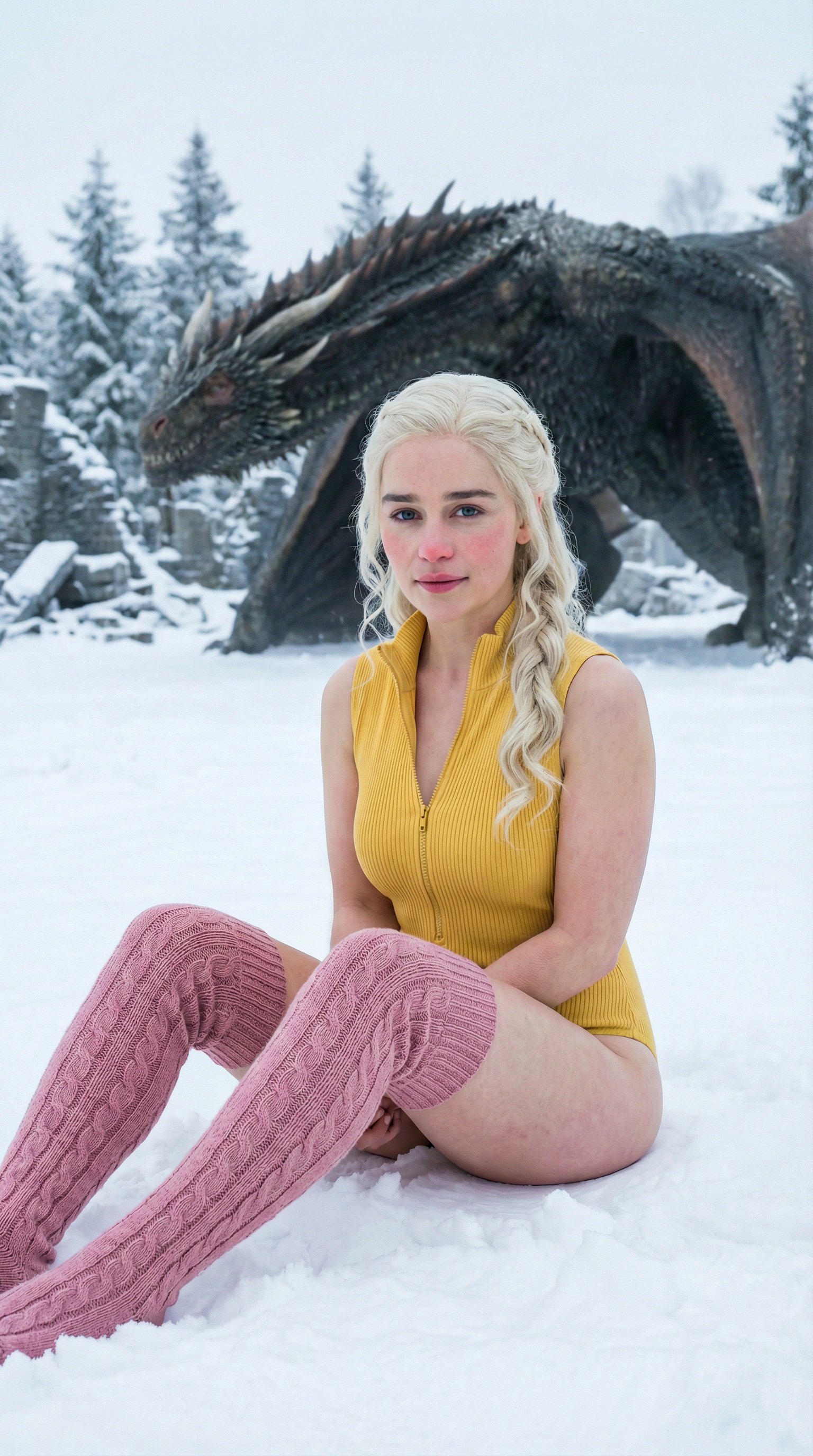
프롬프트
Cinematic winter fashion scene, a confident model sitting on fresh white snow, soft overcast daylight, subtle camera push-in, realistic fabric movement, natural expression, premium editorial style, smooth Kling5 motion.
비디오
원본 이미지
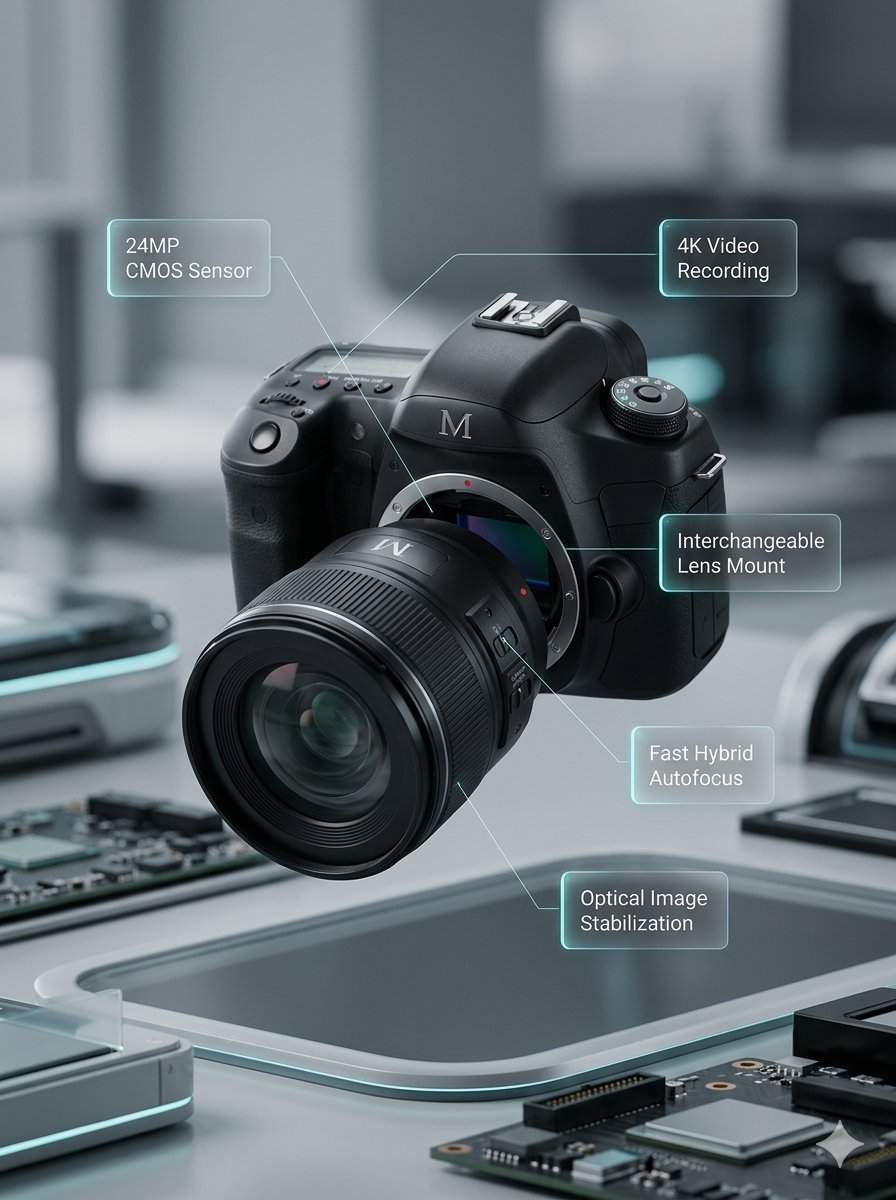
프롬프트
Macro product video of a precision camera lens assembling itself, glass elements sliding into place, clean annotations appearing, smooth mechanical motion, premium technology commercial style.
비디오
원본 이미지
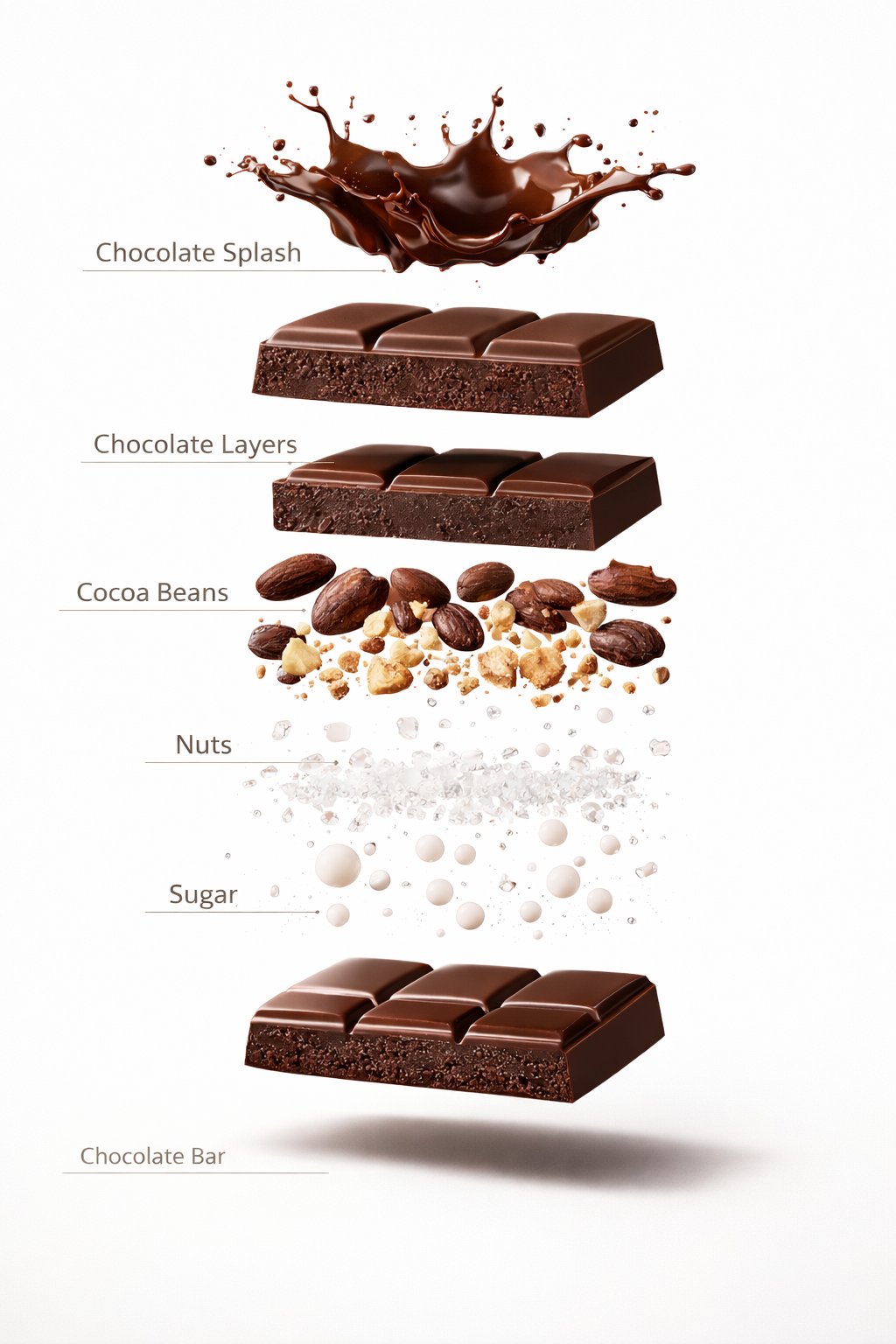
프롬프트
Luxury chocolate bar partially unwrapped on a warm studio background, glossy texture, slow camera move, soft shadows, premium food advertisement style, realistic motion and detail.
비디오
원본 이미지
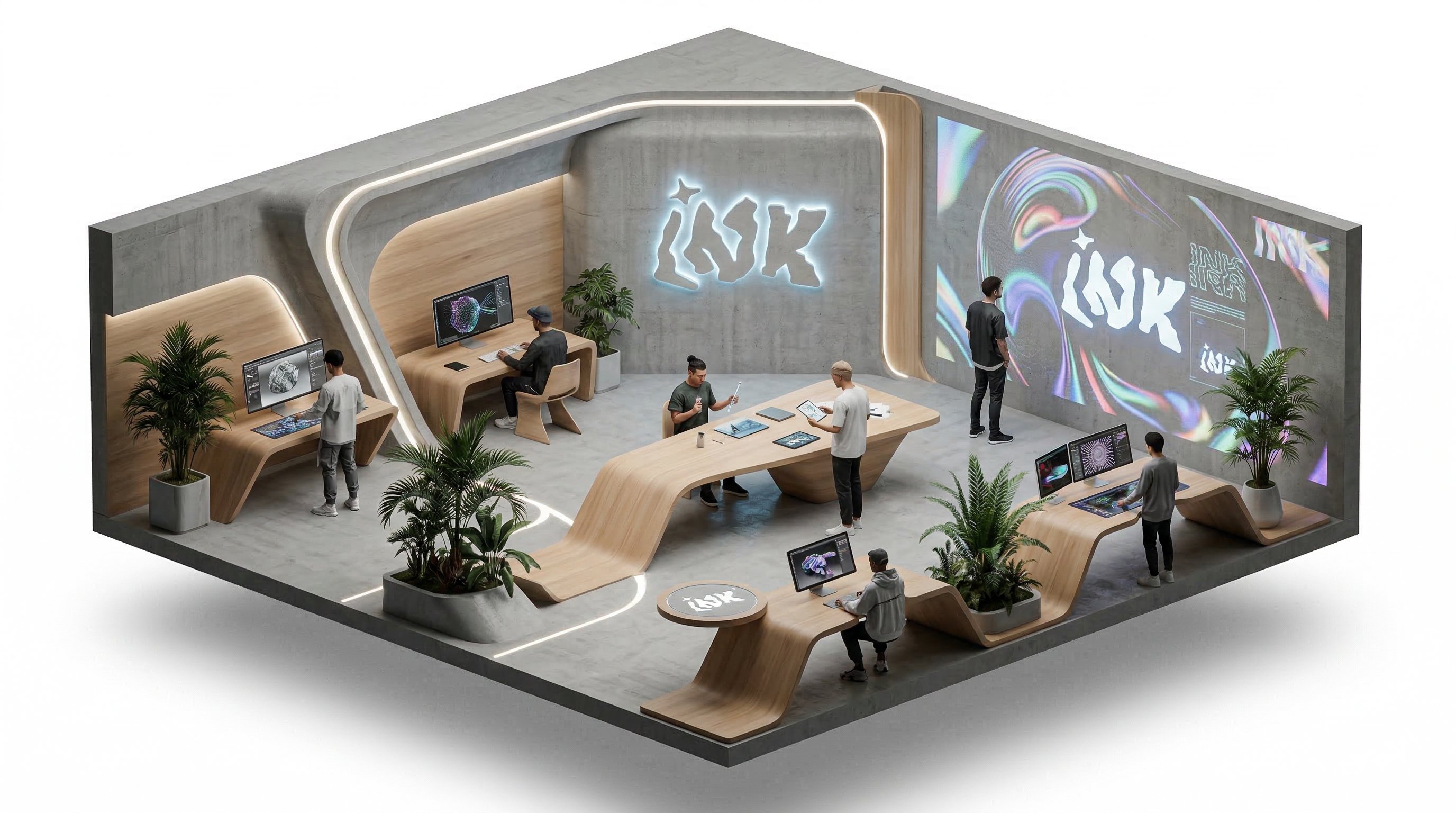
프롬프트
Isometric office team collaborating around a product dashboard, slow camera rotation, subtle character movement, bright modern workspace, clean commercial explainer style.
비디오
Kling5 Text to Video
Describe the scene, motion, and camera direction, then generate a polished Kling5 AI video from one prompt.
Build Kling5 reference images
Prepare product shots, character frames, and visual references before moving into Kling 5 video generation.
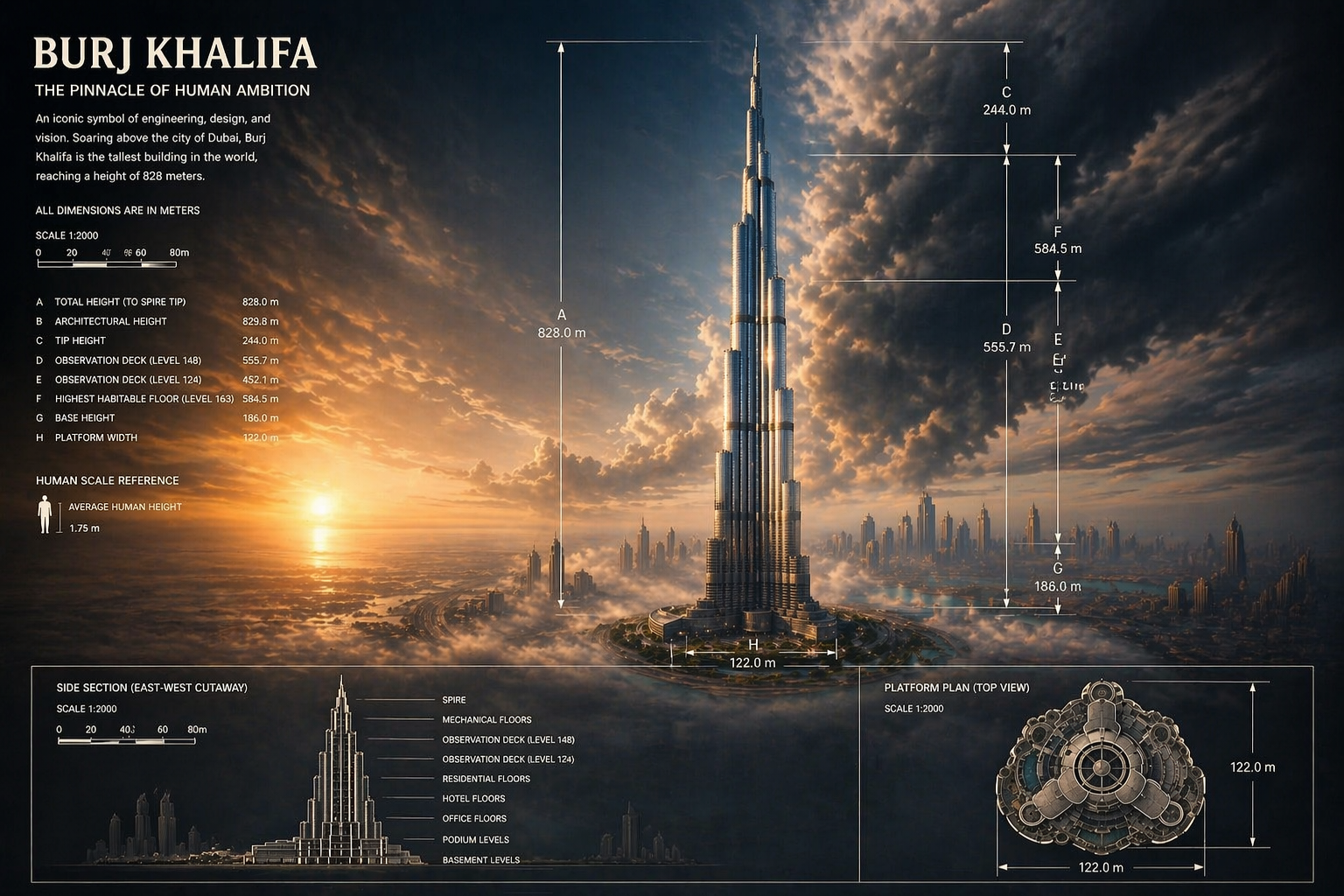
Create starting frames for Kling5
Generate strong first frames and concept visuals that can guide a cleaner Kling5 video result.
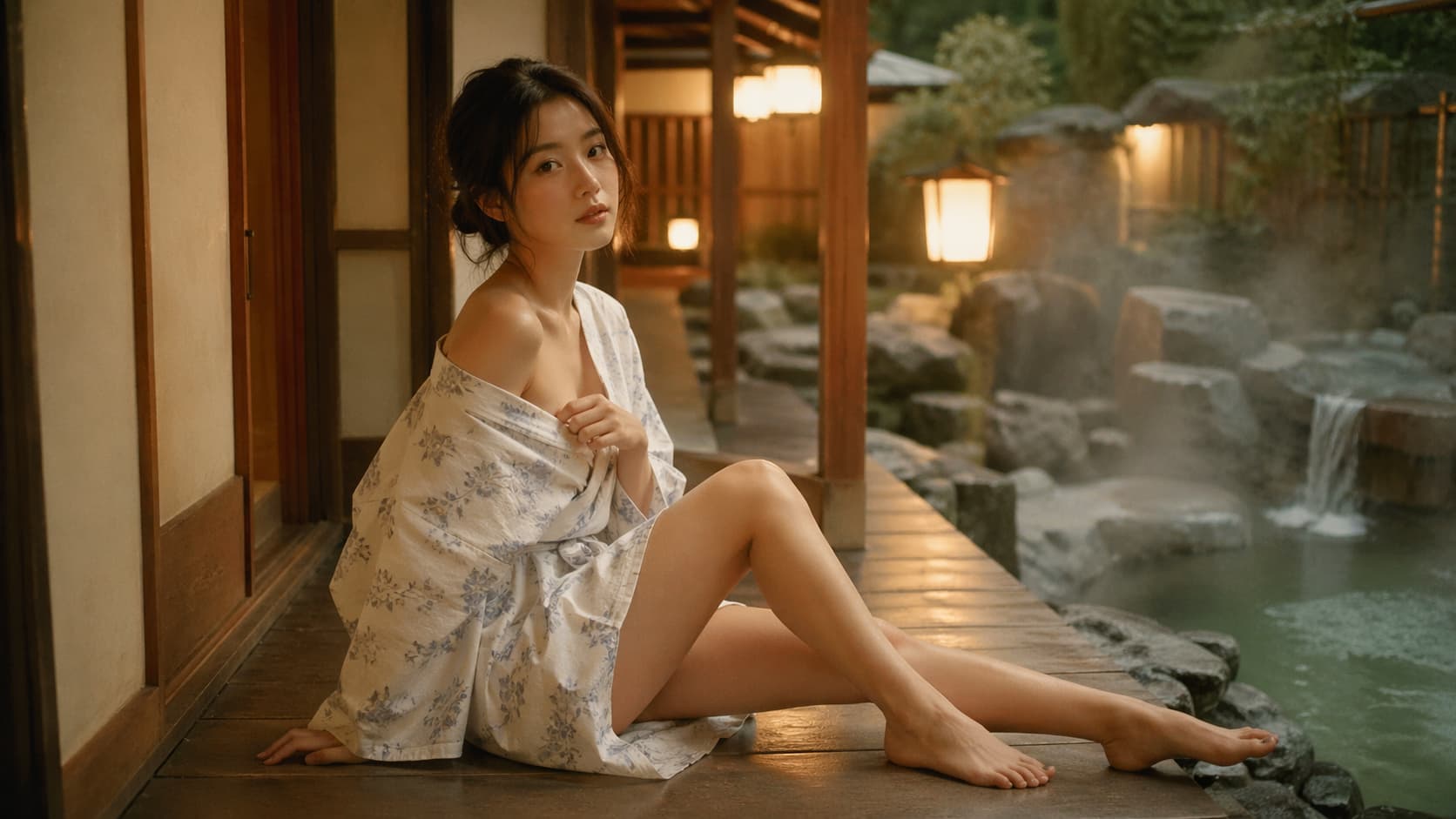
Benefits
Why choose Kling5 AI
Kling5 AI keeps the page, examples, generation path, and pricing focused on Kling 5 so creators can move from idea to video with fewer distractions.
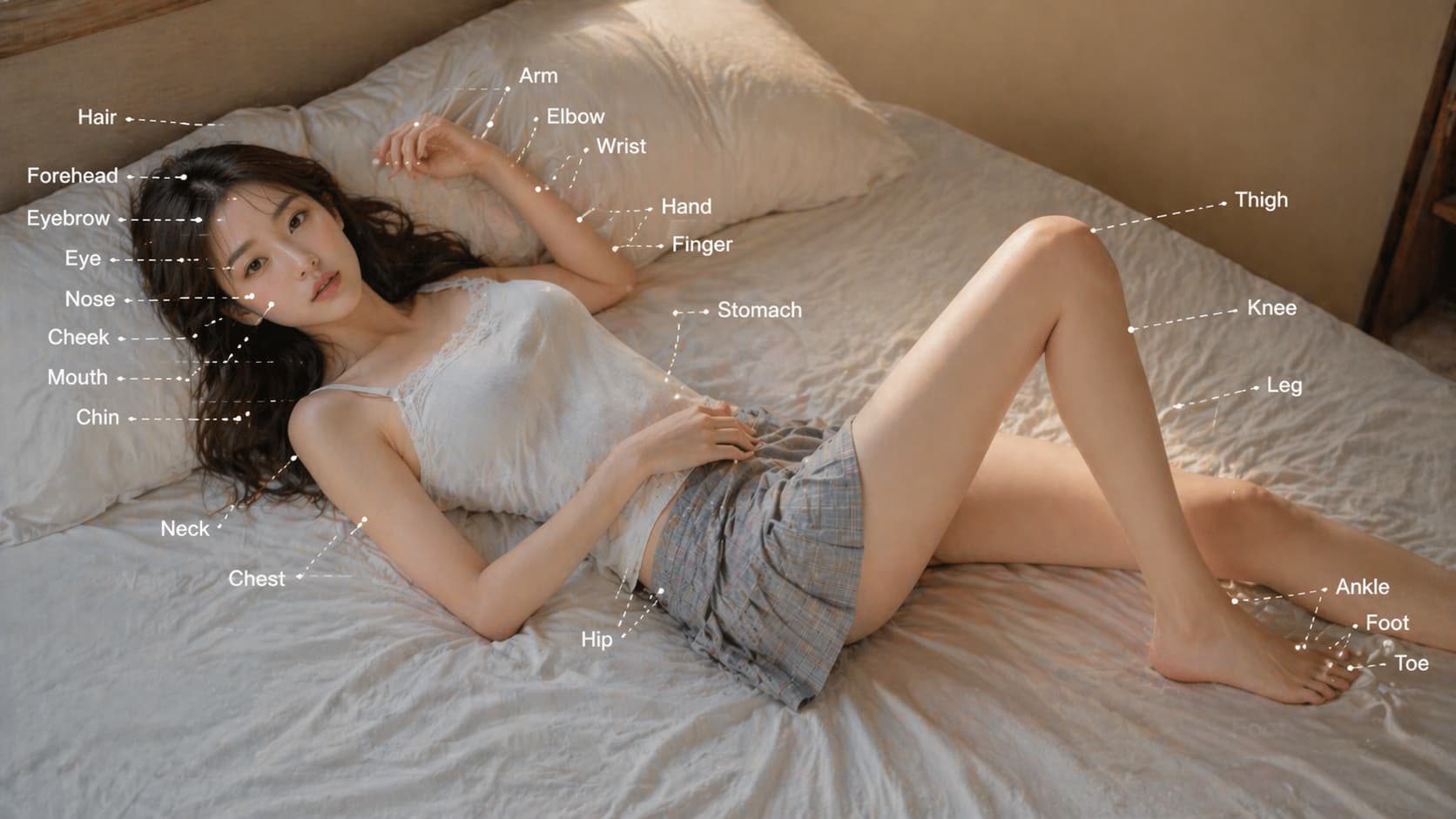


Key Kling5 features
Core capabilities for creating Kling5 AI videos from prompts, reference images, and repeatable production workflows.
Kling5 text-to-video
Turn written ideas into cinematic Kling 5 video clips for ads, social posts, and creative tests.
Kling5 image-to-video
Animate reference images into video while keeping the visual direction easier to control.
Motion and camera direction
Guide action, pacing, lens movement, and scene energy with a clear prompt structure.
Prompt-based iteration
Test multiple Kling5 directions quickly, then refine the strongest version.
Generation history
Keep previous Kling5 tasks and outputs available for review, reuse, and download.
Production workflow
Use one clean path for prompts, credits, previews, and exports.
Kling5 Updates
What creators watch in Kling5 AI video
Follow practical Kling5 directions around motion, prompt control, image-to-video, product clips, and social video production.
KA
Kling5 AI
Kling 5 워크플로
Kling5는 캠페인, 스토리보드, 제품 클립으로 확장하기 전에 프롬프트를 빠른 모션 초안으로 바꿔줍니다.
Kling5텍스트 투 비디오
Kling 5 워크플로
이투
이미지 투 비디오
레퍼런스 워크플로
좋은 레퍼런스 이미지는 Kling 5가 제품, 캐릭터, 스타일 방향을 유지하면서 움직임을 더하는 데 도움이 됩니다.
Kling 5이미지 투 비디오
레퍼런스 워크플로
크제
크리에이티브 제작
프롬프트 팁
카메라 움직임, 액션, 조명, 페이싱을 명확히 쓰면 Kling5 AI 결과를 더 쉽게 다듬을 수 있습니다.
Kling5프롬프트 제어
프롬프트 팁
FAQ
Kling5 AI FAQ
Kling5 AI, Kling 5 비디오 생성, 텍스트 투 비디오, 이미지 투 비디오, 계정, 크레딧과 사용에 대한 답변입니다.
Need a workflow-specific answer? Contact support@kling5.ai.
What is Kling5 AI?
+
Kling5 AI is a focused site for creating videos with Kling 5. It helps users move from prompt or reference image to AI video with a simple generation workflow.
Is Kling5 AI an official Kuaishou or Kling website?
+
No. Kling5 AI is an independent site that provides access and workflow support for Kling 5. It is not affiliated with Kuaishou or the official Kling team.
Does Kling 5 support text-to-video?
+
Yes. The Kling5 workflow is designed for text-to-video prompts where you describe the scene, action, style, and camera movement.
Does Kling5 support image-to-video?
+
Yes. You can use reference images to guide a Kling 5 video when the first frame, product, character, or visual direction matters.
What can I create with Kling5 AI?
+
Common use cases include product videos, ads, social clips, launch teasers, concept motion, storyboards, and visual experiments.
Why write Kling5 and Kling 5 both ways?
+
Users search for both Kling5 and Kling 5. The page uses both forms naturally so the product name and search intent stay aligned.
Do I need an account before generating?
+
You can read the landing page first. Sign in when you are ready to generate, manage credits, keep history, and download results.
How do credits work?
+
Credits are used when you submit video generation tasks. The exact cost can vary by model settings and generation mode.
Can I use Kling5 AI for commercial projects?
+
Kling5 AI is built for commercial creative workflows, but final usage depends on your prompt, uploaded assets, selected model rules, and local requirements.
요금
멤버십을 구독하면 모든 비디오 모델과 이미지 모델을 잠금 해제하고 더 많은 서비스를 이용할 수 있습니다.
Starter
$29 USD
$14.2 USD / 월
기본 400 크레딧+하루 5 보상 크레딧
연간 청구: US$169 USD / 년
1년치 영상 및 이미지 생성용 크레딧을 미리 확보해 더 절약하세요.
포함
- 월 최대 550 크레딧
- 총 최대 150 보상 크레딧 수령 가능
- 최대 137개 동영상
- 최대 550개 이미지
- 3개 동시 작업 지원
인기
Standard
$58 USD
$28.25 USD / 월
기본 800 크레딧+보너스 200 크레딧+하루 8 보상 크레딧
연간 청구: US$339 USD / 년
정기적인 영상 및 이미지 생성에 적합한 균형형 플랜입니다.
포함
- 월 최대 1240 크레딧
- 총 최대 240 보상 크레딧 수령 가능
- 최대 310개 동영상
- 최대 1240개 이미지
- 5개 동시 작업 지원
Premium
$139 USD
$71.33 USD / 월
기본 2000 크레딧+보너스 1200 크레딧+하루 20 보상 크레딧
연간 청구: US$856 USD / 년
팀과 고강도 영상·이미지 워크플로에 가장 적합합니다.
포함
- 월 최대 3800 크레딧
- 총 최대 600 보상 크레딧 수령 가능
- 최대 950개 동영상
- 최대 3800개 이미지
- 무제한 동시 작업 지원
Start creating with Kling5 AI
Use Kling 5 to generate cinematic AI videos from prompts or reference images.
Company: Lotook, LLCAddress: 131 Continental Dr, Suite 305, Newark, DE 19713, United StatesContact: support@kling5.ai
