

Kling 4.0 AI Video Generator
Create 3–30 second videos with Kling 4.0, with text-to-video, first-and-last-frame image-to-video, and reference-to-video from images and videos at up to 1080p.
Published cases
Browse public videos from the Kling family
See published videos made with Kling models, borrow ideas for motion, camera work, and pacing, then create your own take with Kling 4.0.
Create cinematic Kling5 AI videos
Kling5 Image to Video
Turn reference images into smooth Kling 5 videos for product clips, social posts, and visual storytelling.
Original Image
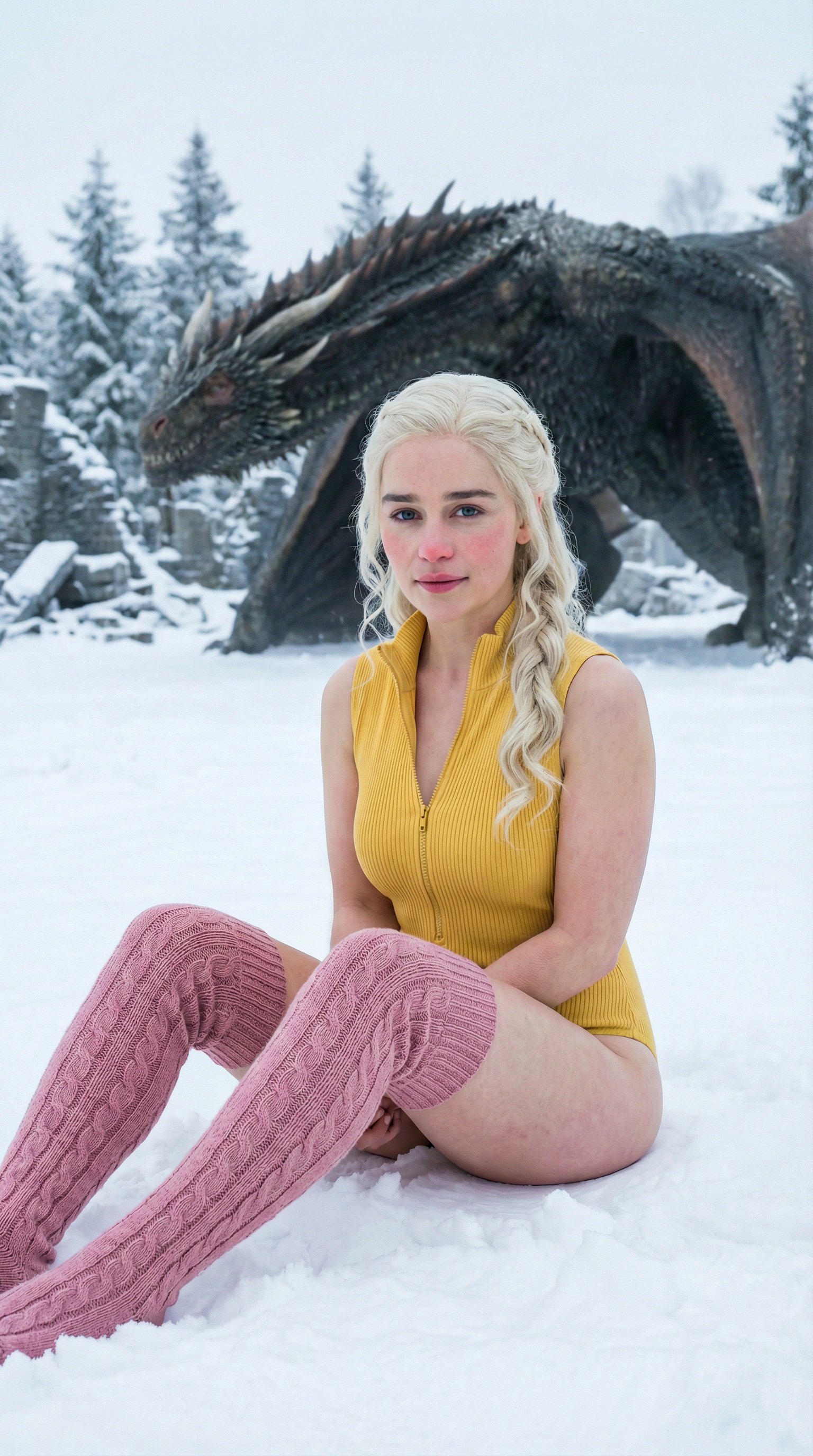
Prompt
Cinematic winter fashion scene, a confident model sitting on fresh white snow, soft overcast daylight, subtle camera push-in, realistic fabric movement, natural expression, premium editorial style, smooth Kling5 motion.
Video
Original Image
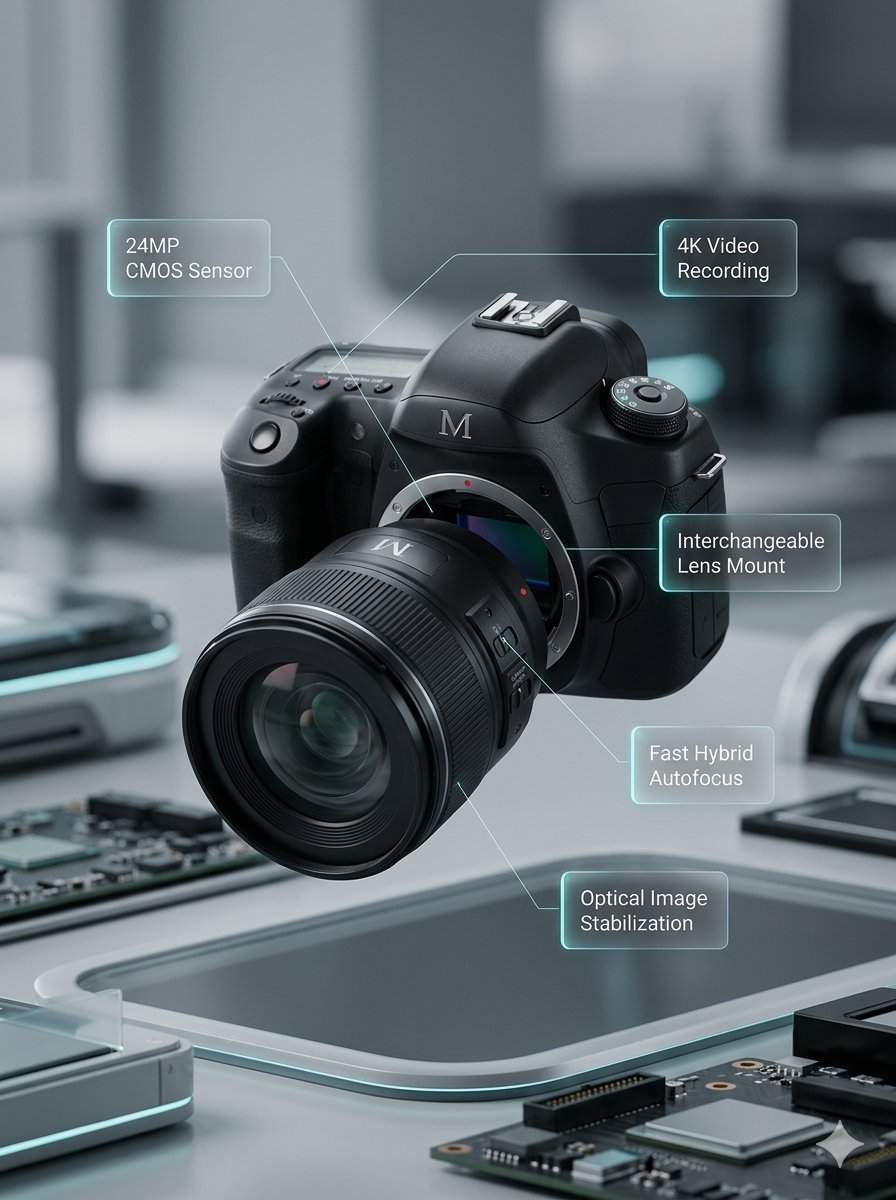
Prompt
Macro product video of a precision camera lens assembling itself, glass elements sliding into place, clean annotations appearing, smooth mechanical motion, premium technology commercial style.
Video
Original Image
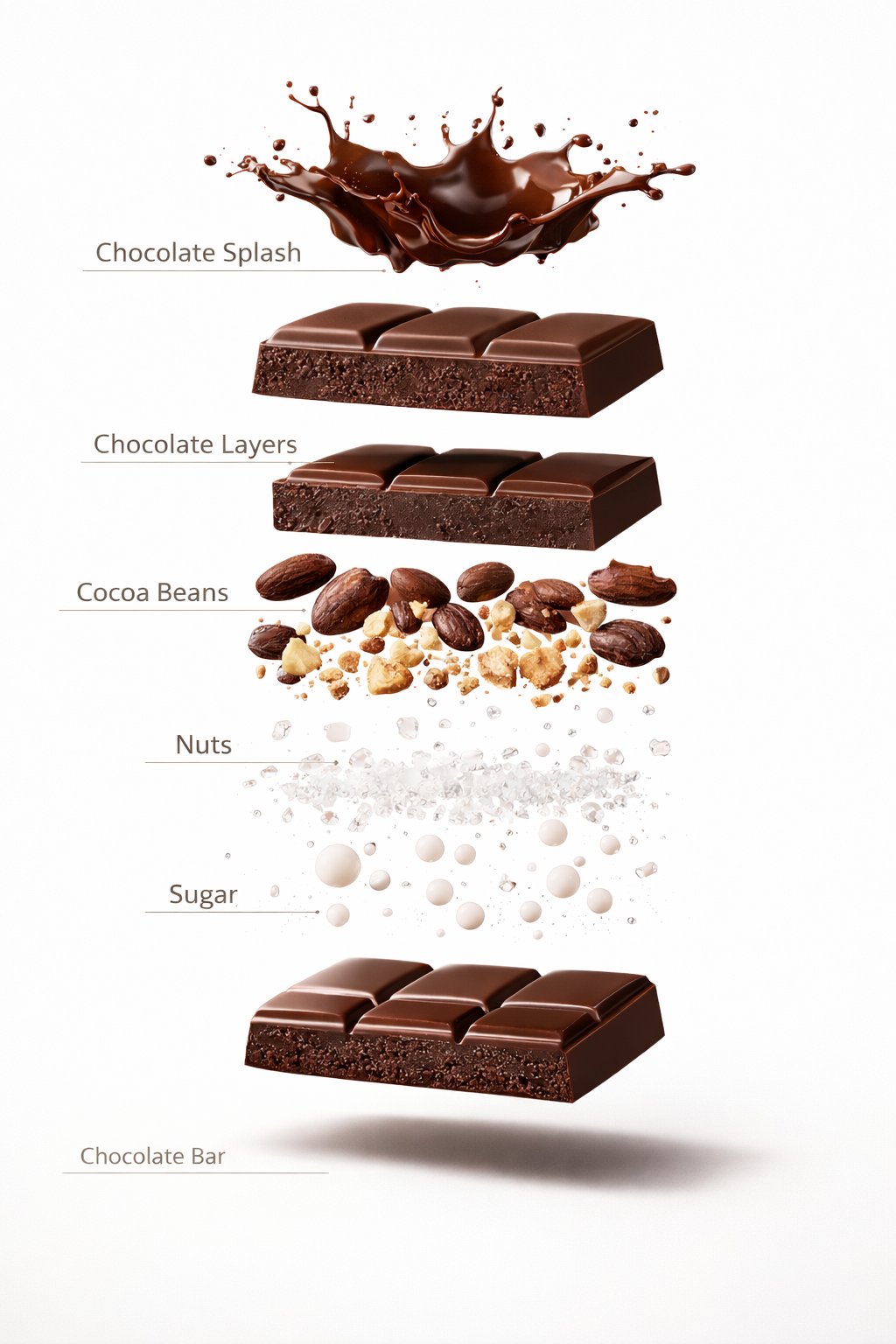
Prompt
Luxury chocolate bar partially unwrapped on a warm studio background, glossy texture, slow camera move, soft shadows, premium food advertisement style, realistic motion and detail.
Video
Original Image
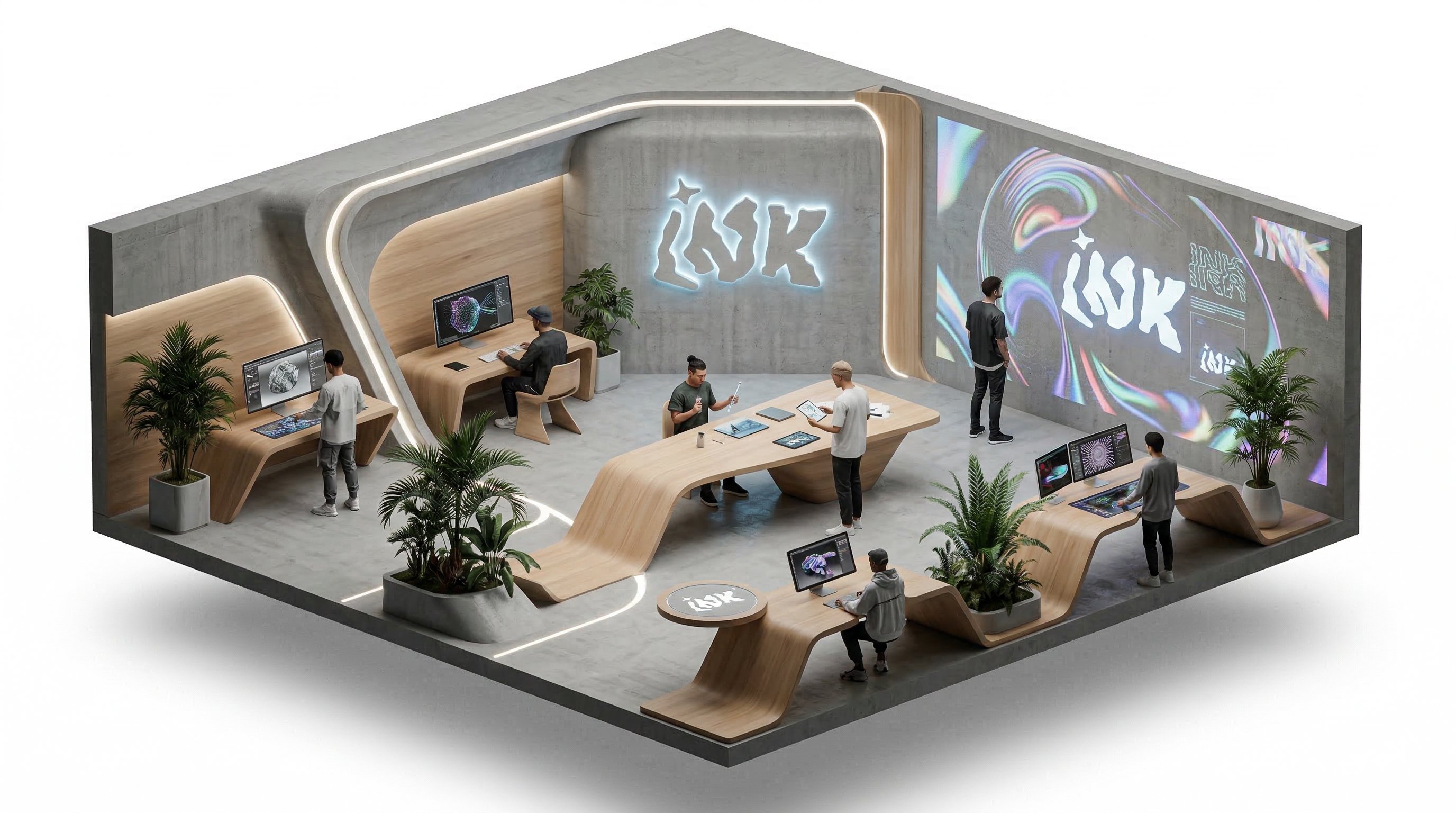
Prompt
Isometric office team collaborating around a product dashboard, slow camera rotation, subtle character movement, bright modern workspace, clean commercial explainer style.
Video
Benefits
Why choose Kling5 AI
Kling5 AI keeps the page, examples, generation path, and pricing focused on Kling 5 so creators can move from idea to video with fewer distractions.

Kling 4.0 at a glance
Choose duration, frames, references, resolution, and aspect ratio to fit each shot.
3–30 seconds, set by the second
Pick any length from 3 to 30 seconds, so one generation can hold a long single take instead of several stitched clips.
Text to video
Describe the scene, subject action, and camera movement in text to generate a paced video clip.
First and last frame
Upload a first frame, and optionally a last frame, to control where the shot starts and where it lands.
Reference images and videos
Reference to video accepts up to 10 images and 5 videos, so you can carry a character, product, or motion style into a new shot.
720p and 1080p
Test ideas at 720p, then switch to 1080p for the final cut. Credits scale with resolution and duration.
Four aspect ratios
Text to video and reference to video support 16:9, 9:16, 1:1, and 21:9. Image to video follows the uploaded frames.
How creators use Kling 4.0
Common uses include long single takes, character-led scenes, and short-form openers.
Describe the opening, the main action, and the ending in order, and let one clip carry the whole moment without cuts.
LO
Long single takes
Up to 30 seconds
Upload character and setting images as references to keep the same subject and look while you try different actions.
CH
Character scenes
Reference images
Generate a vertical 9:16 hook for social posts, then extend the best direction into a longer version.
SH
Short-form openers
9:16 vertical
Describe the opening, the main action, and the ending in order, and let one clip carry the whole moment without cuts.
LO
Long single takes
Up to 30 seconds
Upload character and setting images as references to keep the same subject and look while you try different actions.
CH
Character scenes
Reference images
Generate a vertical 9:16 hook for social posts, then extend the best direction into a longer version.
SH
Short-form openers
9:16 vertical
Describe the opening, the main action, and the ending in order, and let one clip carry the whole moment without cuts.
LO
Long single takes
Up to 30 seconds
Generate a vertical 9:16 hook for social posts, then extend the best direction into a longer version.
SH
Short-form openers
9:16 vertical
Describe the opening, the main action, and the ending in order, and let one clip carry the whole moment without cuts.
LO
Long single takes
Up to 30 seconds
Generate a vertical 9:16 hook for social posts, then extend the best direction into a longer version.
SH
Short-form openers
9:16 vertical
Upload character and setting images as references to keep the same subject and look while you try different actions.
CH
Character scenes
Reference images
Upload character and setting images as references to keep the same subject and look while you try different actions.
CH
Character scenes
Reference images
Describe the opening, the main action, and the ending in order, and let one clip carry the whole moment without cuts.
LO
Long single takes
Up to 30 seconds
Describe the opening, the main action, and the ending in order, and let one clip carry the whole moment without cuts.
LO
Long single takes
Up to 30 seconds
Upload character and setting images as references to keep the same subject and look while you try different actions.
CH
Character scenes
Reference images
Upload character and setting images as references to keep the same subject and look while you try different actions.
CH
Character scenes
Reference images
Generate a vertical 9:16 hook for social posts, then extend the best direction into a longer version.
SH
Short-form openers
9:16 vertical
Generate a vertical 9:16 hook for social posts, then extend the best direction into a longer version.
SH
Short-form openers
9:16 vertical
Creator Updates
Tips for working with Kling 4.0
Common approaches to planning long takes, organizing references, and choosing resolution.
PL
Planning long takes
3–30 seconds
For longer clips, describe the shot in time order, such as the opening, the main action, and the closing frame, so the pacing stays clear from start to finish.
DurationStoryboard
3–30 seconds
OR
Organizing references
Reference to video
Say in your prompt what each reference image or video is for, such as the character, the product, or the camera movement. Results tend to match your intent more closely.
ReferencesConsistency
Reference to video
CR
Choosing resolution
720p–1080p
Validate the idea with 720p and a shorter duration first, then generate the full 1080p version once the direction is set.
1080pDrafts
720p–1080p
FAQ
Kling 4.0 FAQ
Answers about duration, references, resolution, and credits.
Need a different answer? Contact support@kling5.ai.
How long can a Kling 4.0 video be?
+
Any length from 3 to 30 seconds, chosen by the second.
Which generation modes and references are supported?
+
Text to video, image to video with a first frame and an optional last frame, and reference to video with up to 10 images and 5 videos. Reference videos need to be at least 3 seconds each and 30 seconds in total.
Which resolutions and aspect ratios are supported?
+
Choose 720p or 1080p. Text to video and reference to video support 16:9, 9:16, 1:1, and 21:9; image to video follows the uploaded frames.
How are credits calculated?
+
Credits depend on duration and resolution. When you add reference videos, a lower per-second rate applies, and the billed seconds include the output plus the longer of the reference videos or the output. The Generate button shows the exact credits before you start, and credits for failed generations are returned automatically.
How is Kling 4.0 different from Kling 3.0?
+
On Kling5 AI, Kling 4.0 supports up to 30 seconds (Kling 3.0 supports 15), reference to video with images and videos, and the 21:9 aspect ratio. Kling 3.0 still offers motion control and a sound on/off option. You can switch between them in the same generator.
Pricing
Subscribe to unlock all video and image models, plus more services.
Starter
$29 USD
$14.2 USD / month
400 base credits+5 reward credits / day
Billed $169 USD / year
Save more by stocking up credits for a year of video and image generation.
Includes
- Up to 550 credits/month
- Up to 150 claimable reward credits totally
- Up to 137 videos
- Up to 550 images
- History saved for 180 days
- 3 concurrent tasks
Popular
Standard
$58 USD
$28.25 USD / month
800 base credits+200 bonus credits+8 reward credits / day
Billed $339 USD / year
A balanced plan for regular video and image generation.
Includes
- Up to 1240 credits/month
- Up to 240 claimable reward credits totally
- Up to 310 videos
- Up to 1240 images
- History saved for 180 days
- 5 concurrent tasks
Premium
$139 USD
$71.33 USD / month
2000 base credits+1200 bonus credits+20 reward credits / day
Billed $856 USD / year
Best for teams and heavy video and image generation workloads.
Includes
- Up to 3800 credits/month
- Up to 600 claimable reward credits totally
- Up to 950 videos
- Up to 3800 images
- History saved for 180 days
- Unlimited concurrency
Create a long take with Kling 4.0
Validate the idea with a short 720p clip, then generate a longer, sharper full version.
